HDP8500 Service Manual, PLT-01583, 1.1
© 2013 HID Global Corporation/ASSA ABLOY AB. All rights reserved.
97
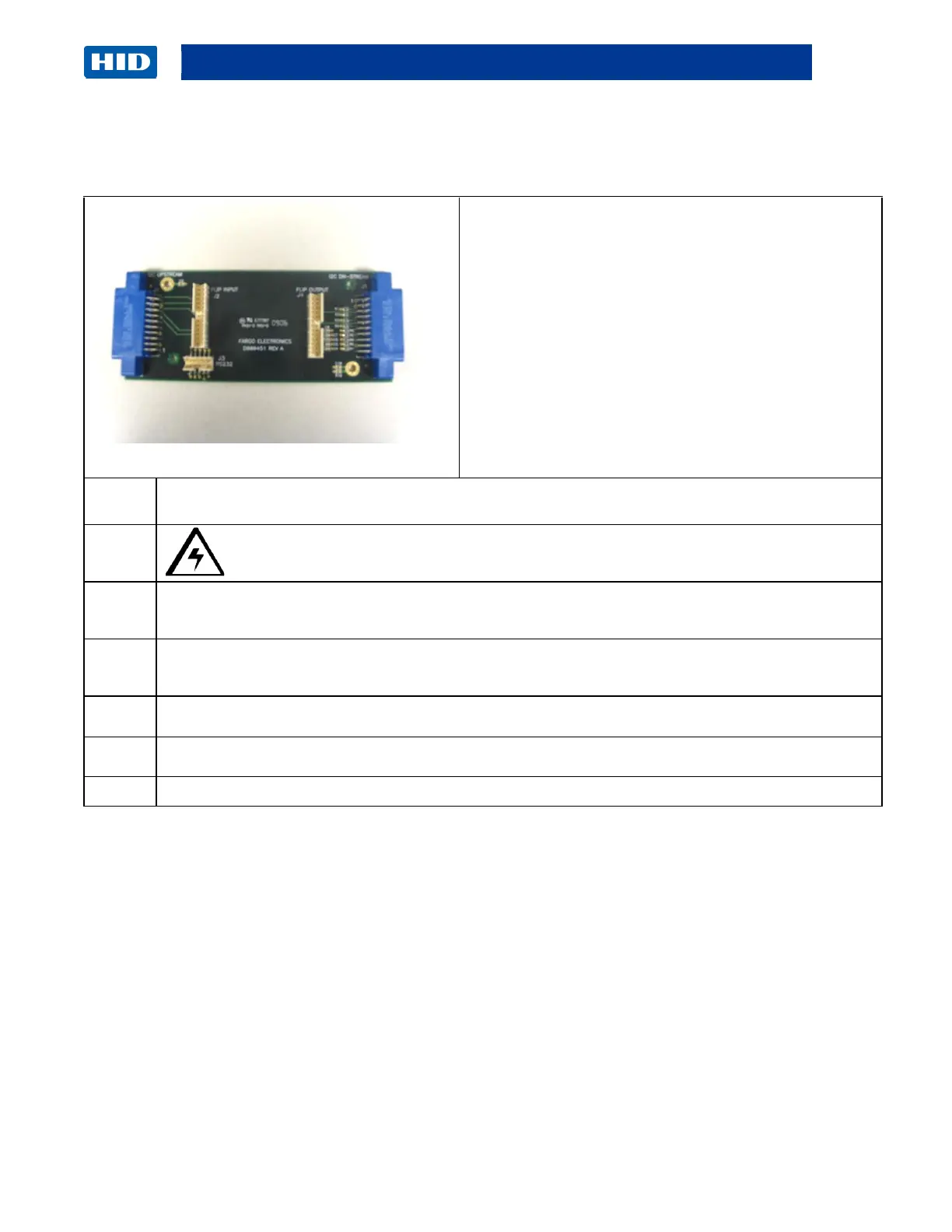
Remove/Replace the Accessory Board (A000451)
Tools needed: T10 Driver
Estimated Time: 30 minutes
Preparation: Remove Rear/Top Covers.
Remove the Front Panel
Remove the Output Cover
Important: This procedure can only be performed
by authorized service personnel.
Caution: Turn OFF the Printer and unplug the power cord from the Printer.
Disconnect the Ribbon cables from the Main Board ( J1 & J2) and from the Accessory Board
(J2 & J4).
Use a long Torx screwdriver to remove the four (4) screws that attach the Board to the base
plate. Work from the top of the Flipper Table.
Replace it with the new Accessory Board (A000451)
Reverse the instructions to re-assemble.



 To Next Page