HDP8500 Service Manual, PLT-01583, 1.1
© 2013 HID Global Corporation/ASSA ABLOY AB. All rights reserved.
92
Remove/ Replace the Table or Flip Home Sensor (D900249)
Tools needed: 10 Torx drive;
Estimated Time: 30 minutes
Preparation: Remove Rear/Top Covers.
Remove the Front Panel
Remove the Output Cover.
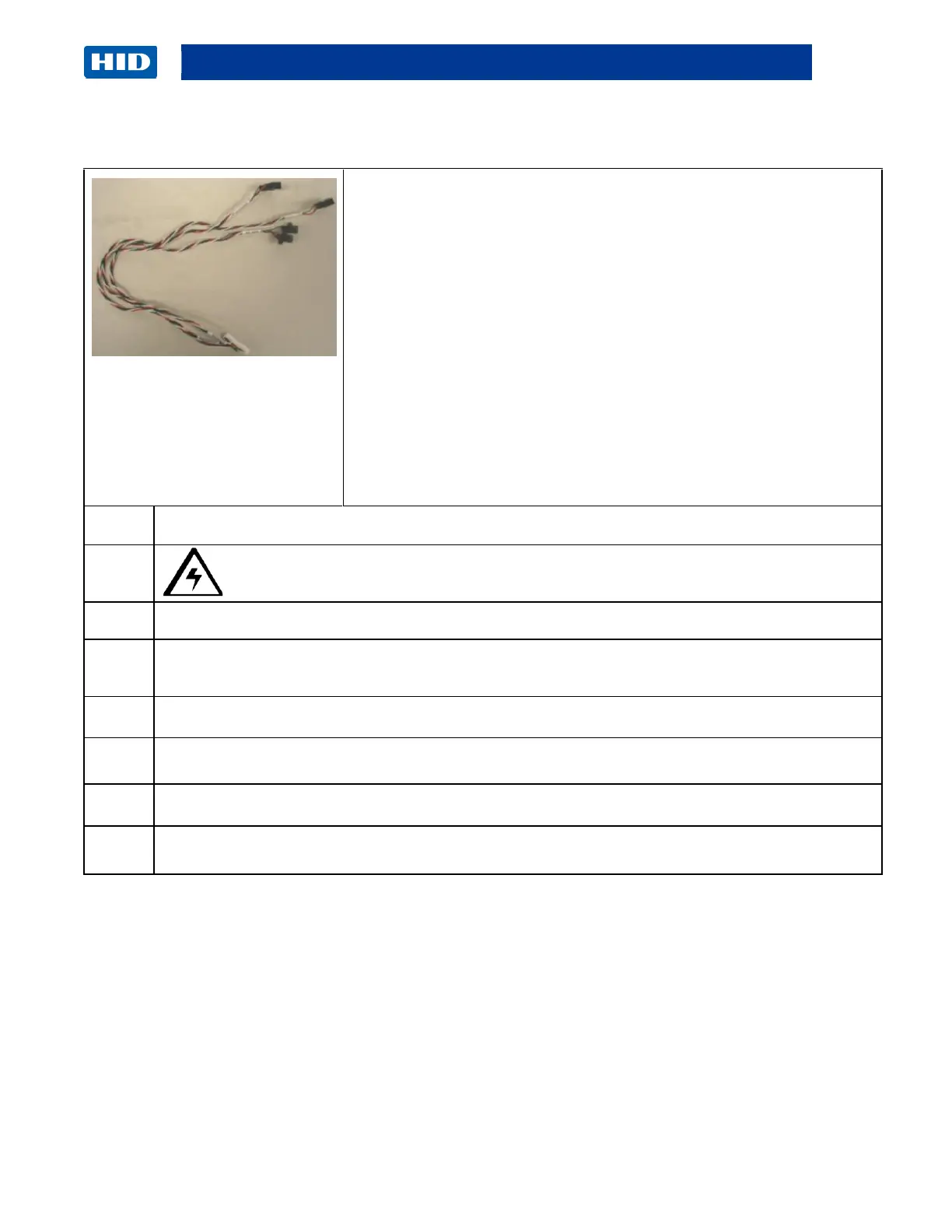
This Sensor bundle connects to J3 on the Flipper Main Board. The
Sensor bundle contains three (3) optical Sensors used for the Card
Input Sensor, Flipper Home Sensor and Table Sensor. All three
Sensors must be replaced at the same time if one Sensor is
damaged.
Important: This procedure can only be performed by authorized
service personnel.
Caution: Turn OFF the Printer and unplug the power cord from the Printer.
Disconnect the wire bundle from the J3 connection.
a. Unwind the wire bundle to reach the Sensors.
b. Unclip the wires from the holder Mounts.
Remove the two (2) screws that hold each Sensor to the Frame.
Observe where each Sensor goes. (Note: Each wire is labeled for placement.)
Replace the Sensor bundle.
Reverse the instructions to re-assemble.



 To Next Page