HDP8500 Service Manual, PLT-01583, 1.1
© 2013 HID Global Corporation/ASSA ABLOY AB. All rights reserved.
55
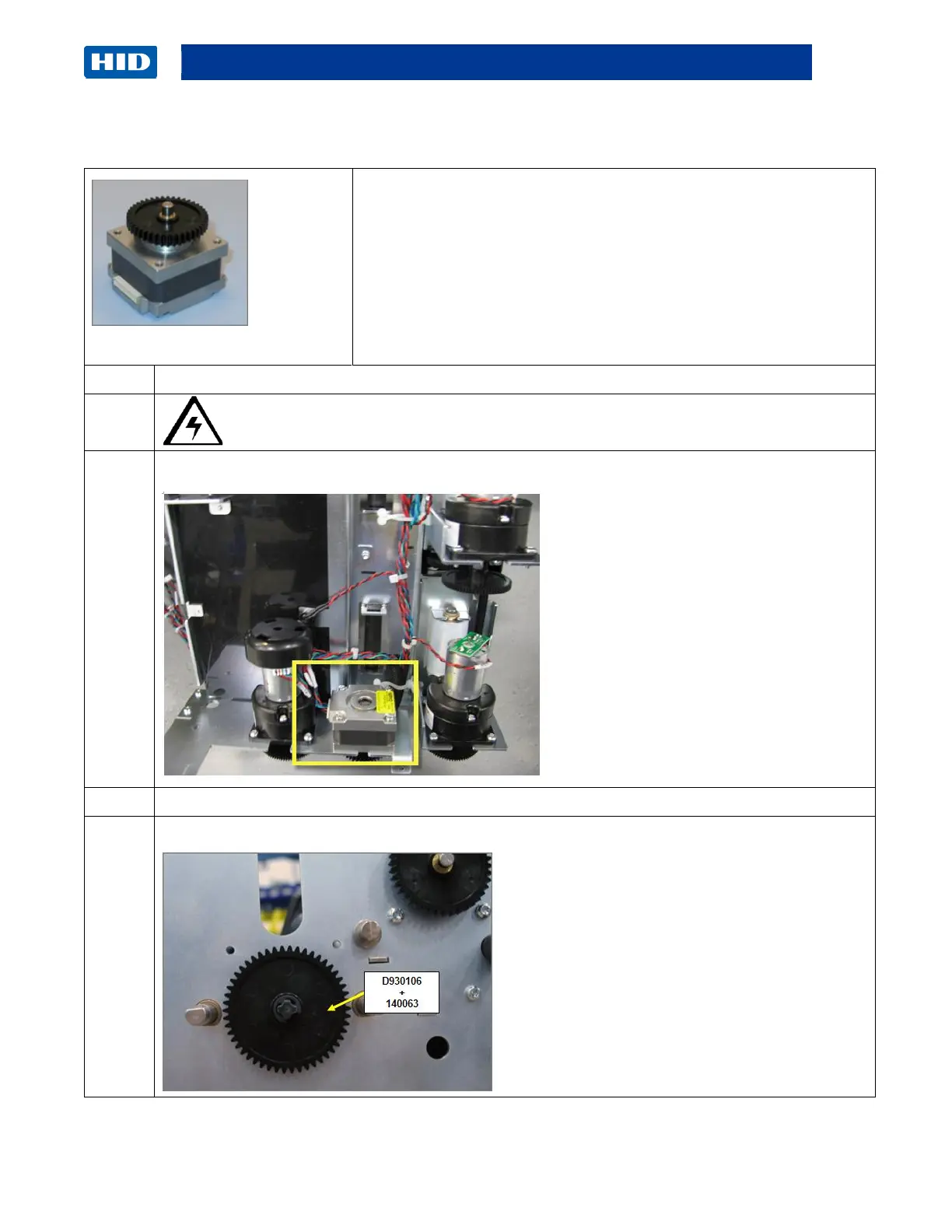
Card Path- Stepper Motor Assembly (D940257)
Tools needed: T10 Torx Driver
Estimated Time: 30 minutes
Preparation: Remove Rear/Top Covers.
Remove the Fan Box/ Bracket
Remove the Card Path
Important: This procedure can only be performed by authorized
service personnel.
Caution: Turn OFF the Printer and unplug the power cord from the Printer.
The Stepper Motor (D940257) is located underneath the Card Path Assembly.
Remove the Cable from the Motor.
Remove the E-Clip (140063) and Gear (D930106) from the shaft on the outer Sideplate.



 To Next Page