HDP8500 Service Manual, PLT-01583, 1.1
© 2013 HID Global Corporation/ASSA ABLOY AB. All rights reserved.
76
Installing the Printhead
Kit Part Number: 088934
Tools needed: T10 (Torx )Driver
Estimated Repair Time: 30 minutes
Important: This procedure can only be performed by authorized service
personnel.
Caution: Power off the Printer by unplugging the power cord from the Printer.
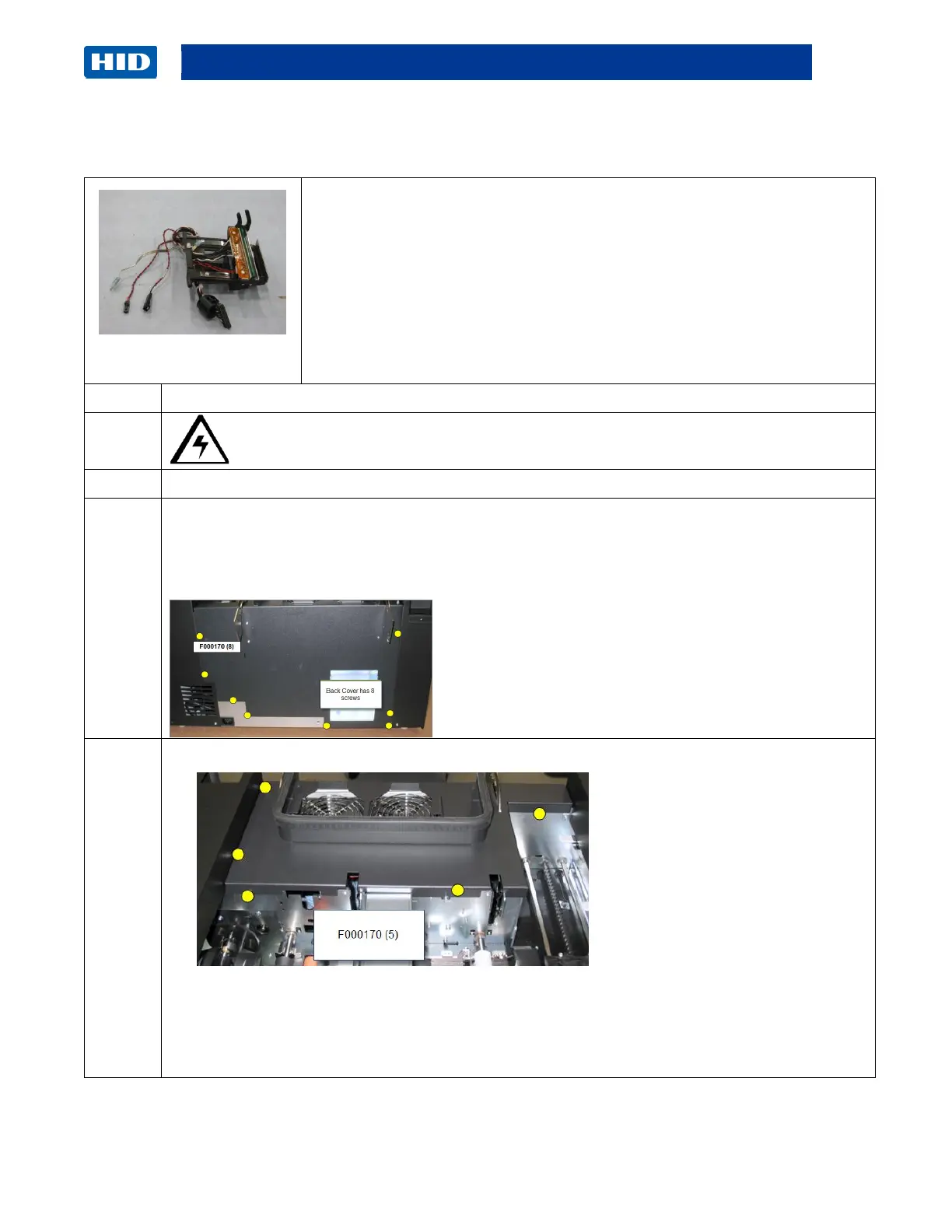
Remove the Top and Rear Cover.
Rear Cover (D940089)
There are 8 Torx screws on the back of the Printer.
Remove the (5) screws (F000190) from the top of the Rear Cover.
Lift up the Cover in one piece.
Disconnect the Cover Open Sensor.
Set aside to access the Printhead area.



 To Next Page