FARO
®
Laser Scanner Manual
113
Chapter 8: Special Scanning Modes
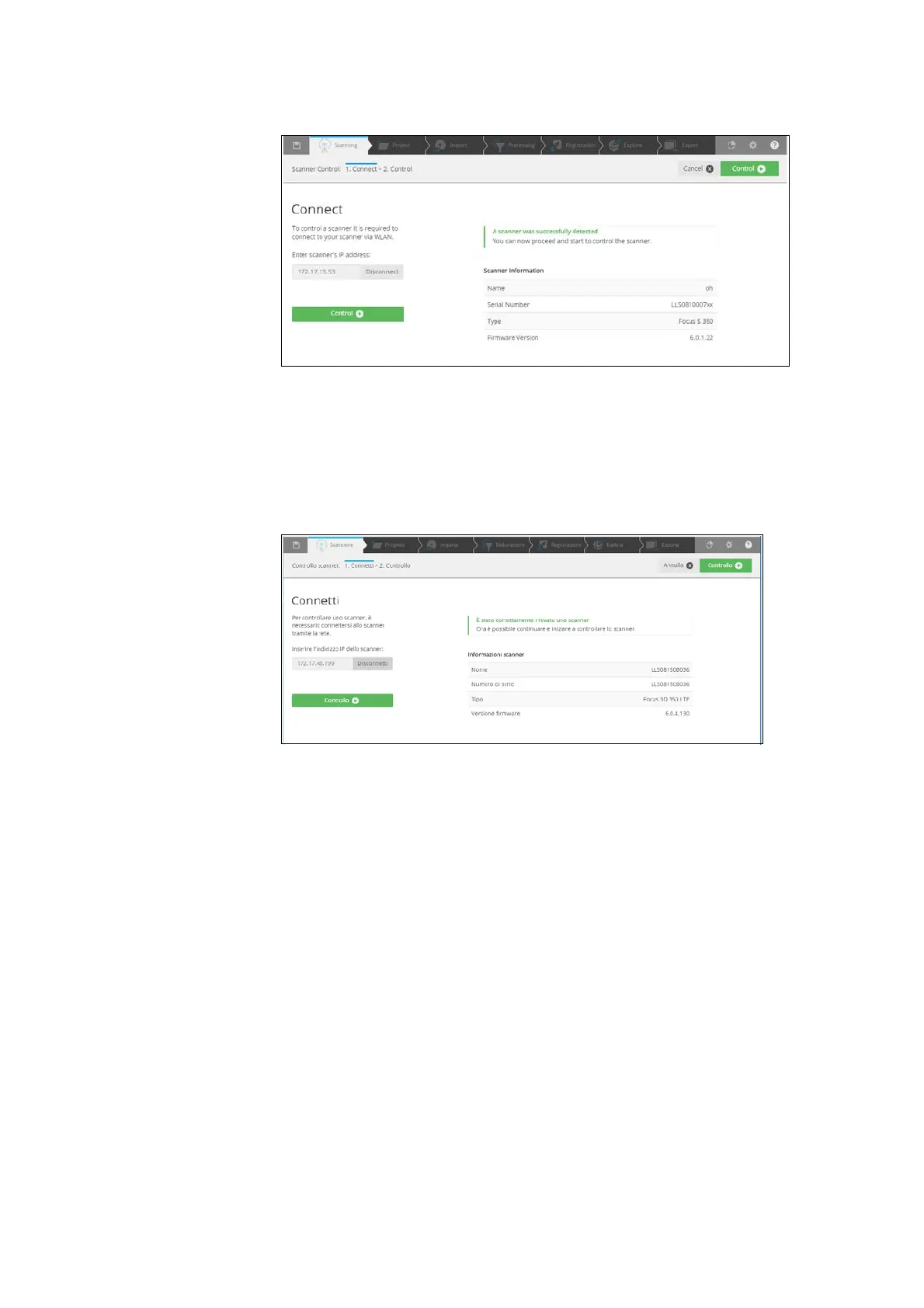
2. Click Connect to retrieve the details of the scanner. The page will be
updated.
Figure 8-86: Connect to Scanner
3. If the IP address is not associated to an active laser scanner, an error
message is displayed.
4. If a connection is successful to a supported FARO Focus Laser Scanner,
the
Control button becomes active and green. Click to control the scanner
through the HTML user interface.
Figure 8-87: Click to Control the Scanner



 To Next Page