FARO
®
Laser Scanner Manual
32
Chapter 6: Getting Started
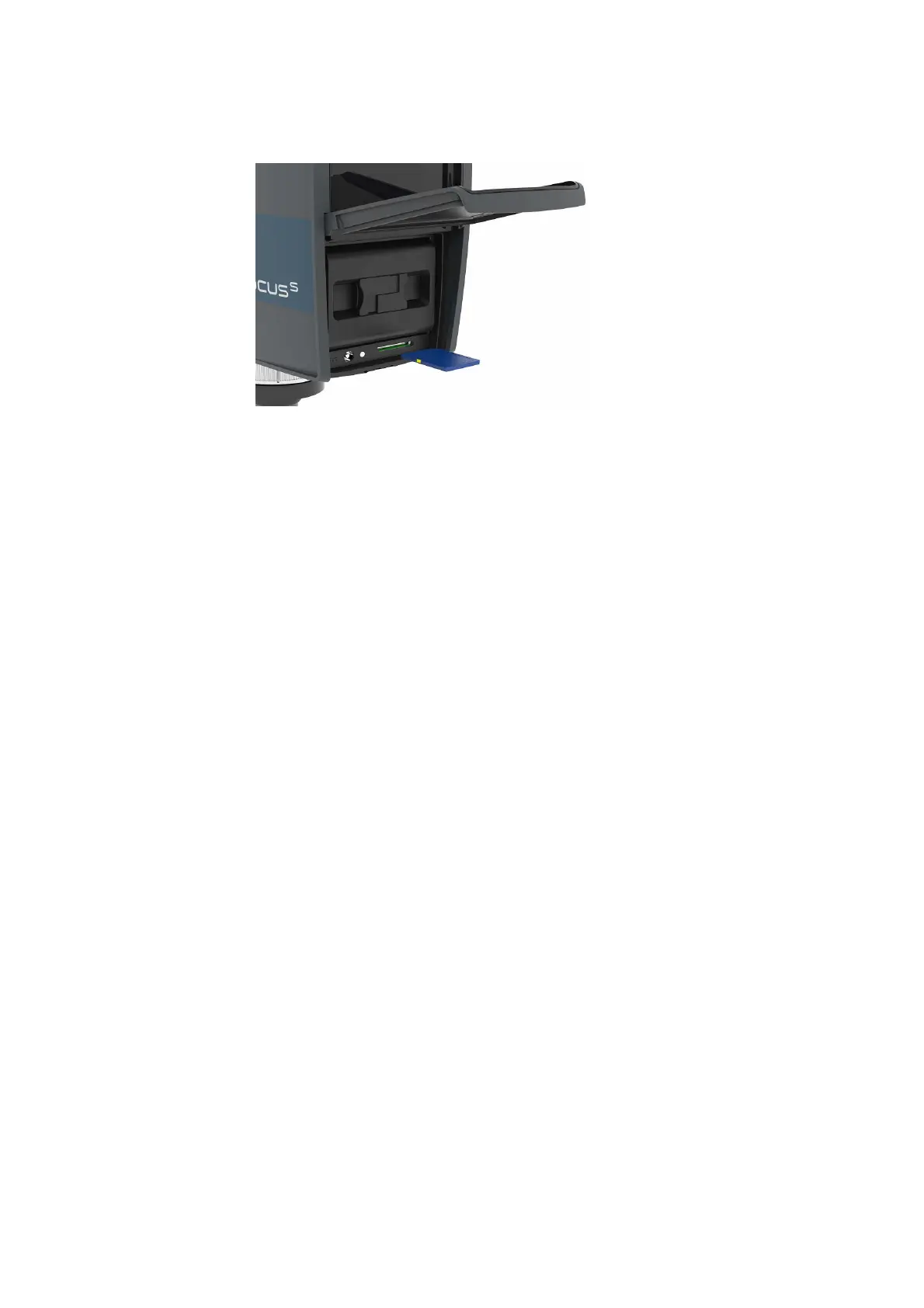
6.3.3 Inserting the SD Card
Figure 6-14: Inserting the SD Card
1. Open the battery compartment cover to find the SD card slot down on the
right side.
2. Insert the formatted SD card with the notched edge in the direction as
illustrated until it clicks.
3. Confirm the direction of the memory card. If you forcibly insert the memory
card in a wrong direction, the SD card, the card slot or data on the card can
be damaged.
4. Close the cover.
Ejecting the SD Card
To remove a SD card from the scanner, open the SD card slot cover and lightly
push the memory card.
• Do not eject the memory card while it is busy.
• Take care that the memory card does not pop out and fall.
6.4 Switching the FARO Laser Scanner On
Pressing the scanner's On/Off button will start the boot process, which is
indicated by the scanner LEDs blinking blue. If power is supplied by the
battery and its charge state is too low to start the scanner, the scanner LEDs
will blink orange.
When the FARO Laser Scanner is ready, the LEDs will stop flashing and will
illuminate constantly blue, the Home screen of the scanner's controller
software will appear on the integrated touch screen.



 To Next Page