FARO
®
Laser Scanner Manual
112
Chapter 8: Special Scanning Modes
Chapter 8: Special Scanning Modes
In combination with an external computer, some special scanning modes are
available:
• On-Site Registration
• On-Site Compensation
The external computer must run SCENE and connect to the FARO Laser
Scanner via WLAN.
By default, SCENE is not configured to offer these modes in the Workflow Bar.
If you want to use them, activate the Scanning category in the settings under
Settings > General > User Interface > Show Scanning Category.
In addition to On-Site Registration and On-Site Compensation, the Scanning
category also offers to control the scanner from within SCENE.
Figure 8-84: Scanning toolbar
8.1 Scanner Control
To connect to the scanner:
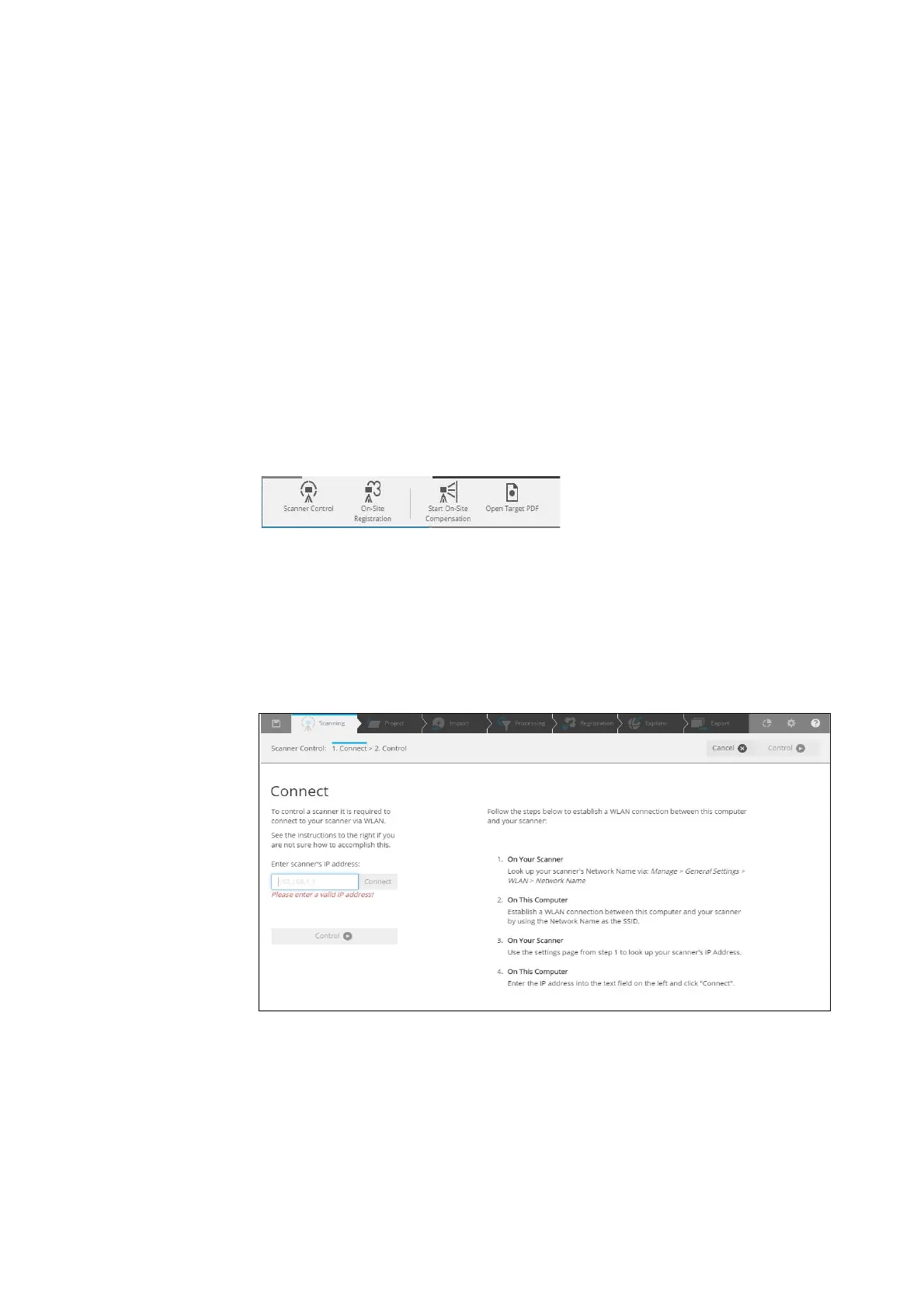
1. Enter the IP address of the scanner.
Figure 8-85: Connect page: Enter the IP address



 To Next Page