FARO
®
Laser Scanner Manual
64
Chapter 7: Controller Software
7.3.6 Color Settings
Scan Parameters,
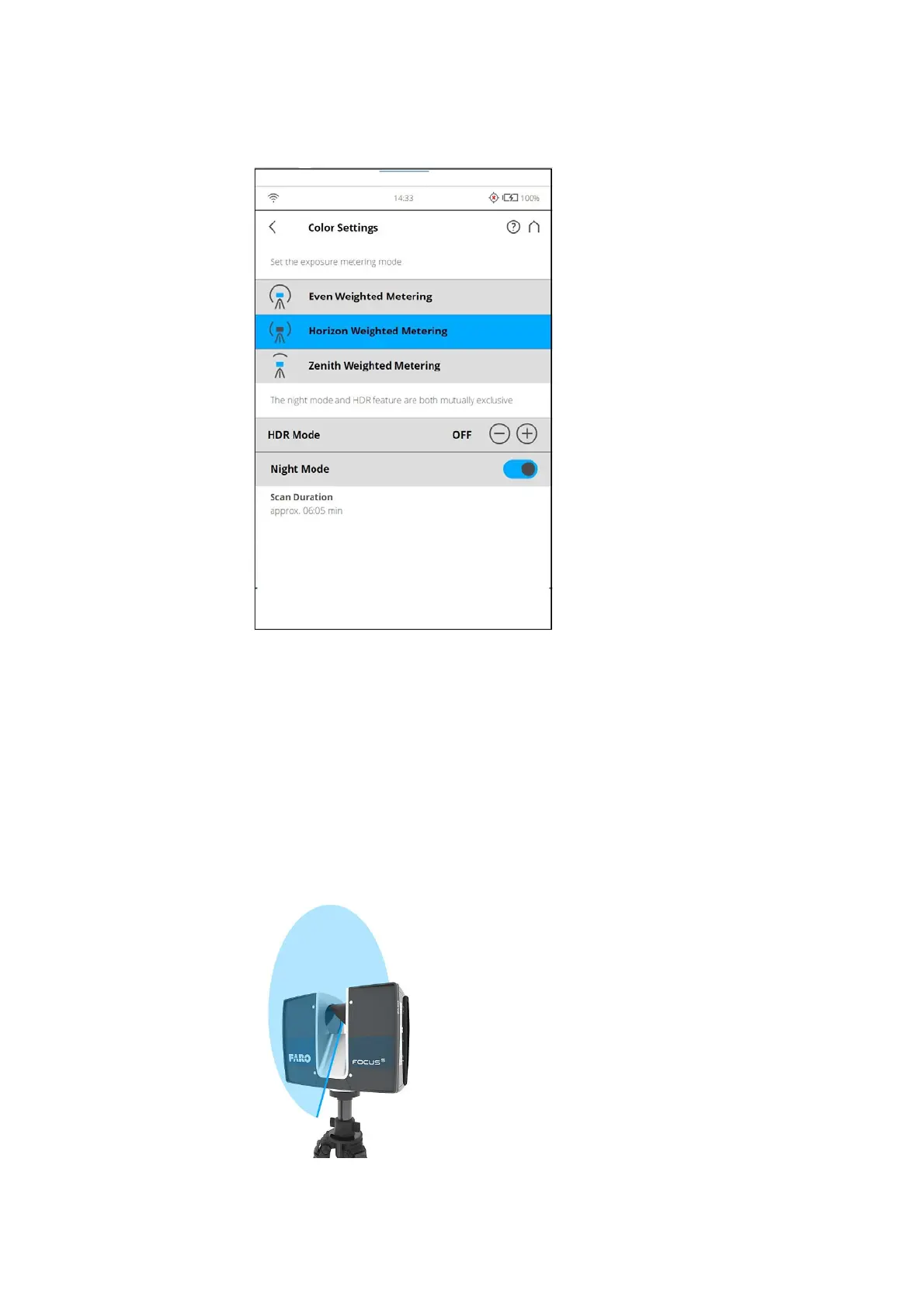
Color Settings
Set the exposure metering mode - Sets the way in which the integrated
color camera determines the exposure for taking the color photos (if colored
scan recording is switched on). Select between three exposure metering
modes to meet the requirements of the current lighting conditions and to get
best possible results for the area of interest.
Even Weighted Metering - To determine the exposure settings, the camera
will use the light information coming from the entire scene and averages
without giving special weighting to a particular area. Use this setting in
scenarios with even lighting conditions.
Figure 7-43: Even weighted metering



 To Next Page