FARO
®
Laser Scanner Manual
79
Chapter 7: Controller Software
7.4.3 Operators
Information about which scanner operator has recorded which scans might be
useful for the person who is post-processing the scans; especially when there
are several scanner operators working on the same scan project.
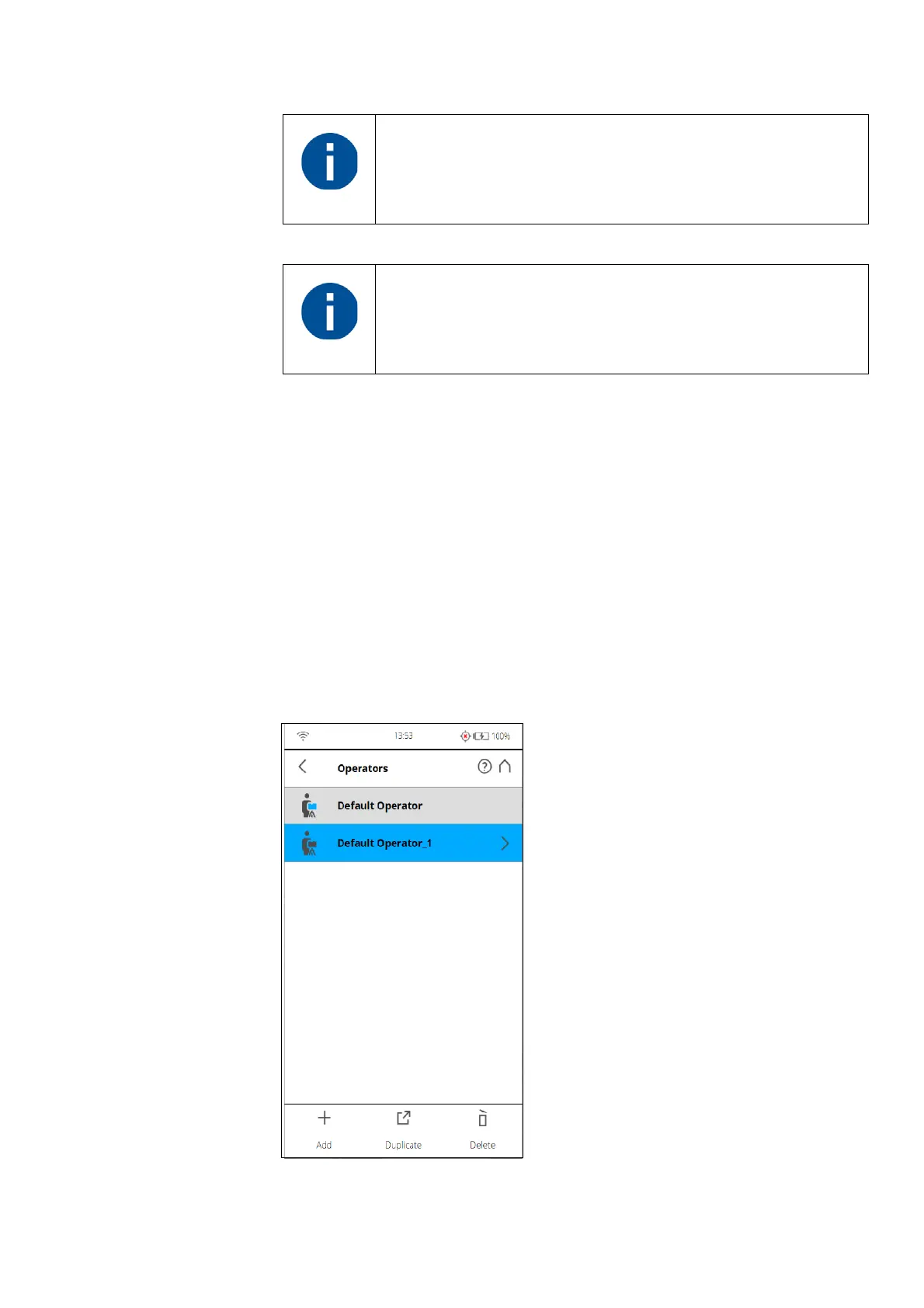
You can assign scanner operators to the captured scans. To do this, select the
operator in the operators list. Create an operator profile first if it does not
already exist. The information about the selected operator is then stored in the
data of the next scans and can be accessed in SCENE during the post
processing of the scans.
Creating an Operator Profile
Figure 7-55: Operator Profiles list
Please note: Outdoor: Far Distances is not supported on
Focus
M
70 and Focus
S
70.
When taking color scans, the Night Mode may significantly
increase the exposure time and lead to a much longer overall
scan time.



 To Next Page