FARO
®
Laser Scanner Manual
116
Chapter 8: Special Scanning Modes
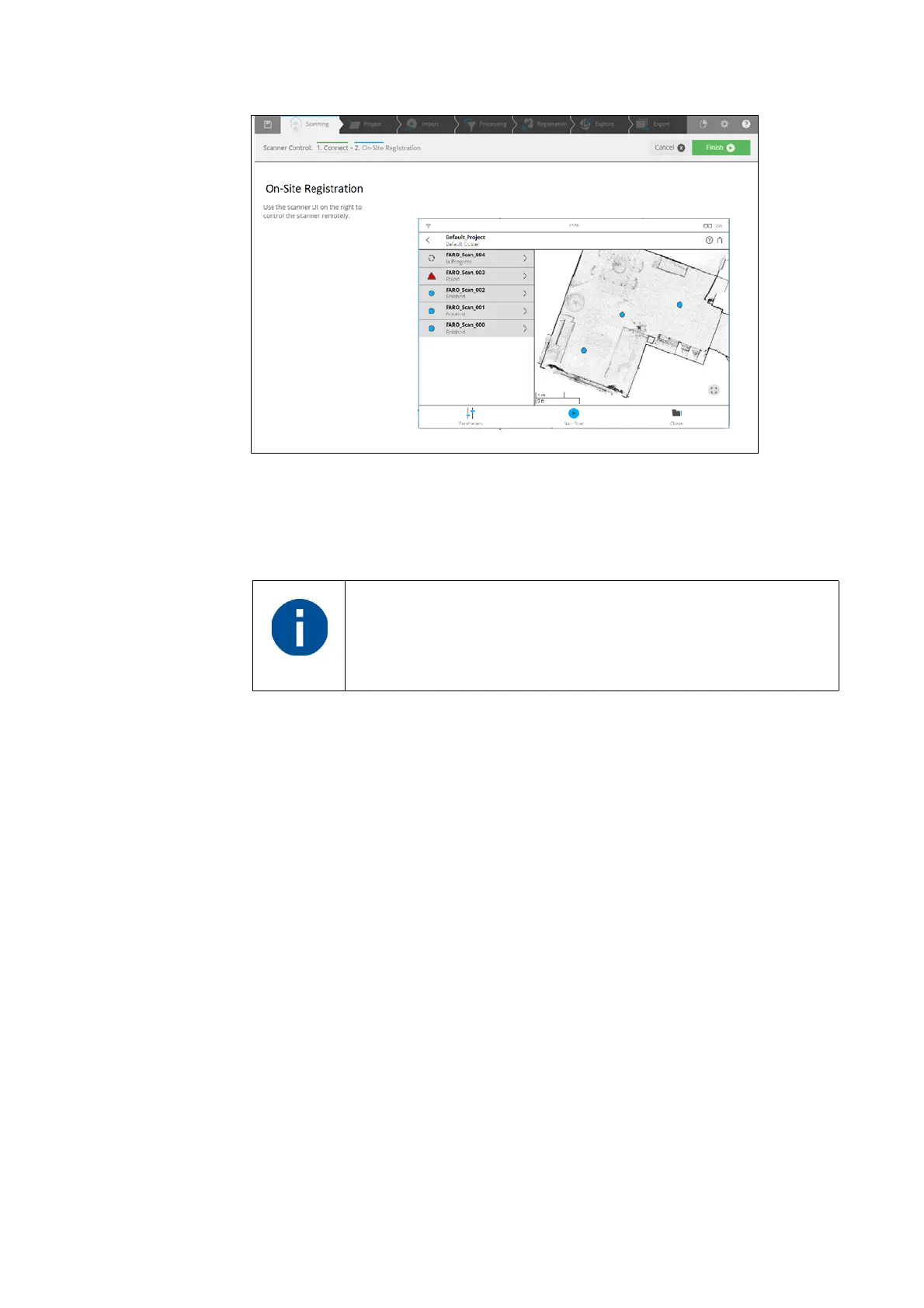
Figure 8-89: On-Site Registration overview map with list and status of scans
7. Click Start Scan button to start a new scan on your scanner, or remotely in
SCENE. All recorded scans on the current cluster or project opened on the
scanner will be uploaded to SCENE. The scans will be automatically
processed by SCENE.
8.2.2 Map Page
The map page shows an overview of the area that was scanned so far.
If one scan fails to register, run a connection scan with the
scanner placed between the area of the two different scans.
To validate the registration of scans, highlight their points in the
map. For more details, refer to the
Registration chapter.



 To Next Page