FARO
®
Laser Scanner Manual
125
Chapter 8: Special Scanning Modes
• To apply this compensation to the scanner choose yes and click Finish.
Choose no if you do not want to apply this compensation.
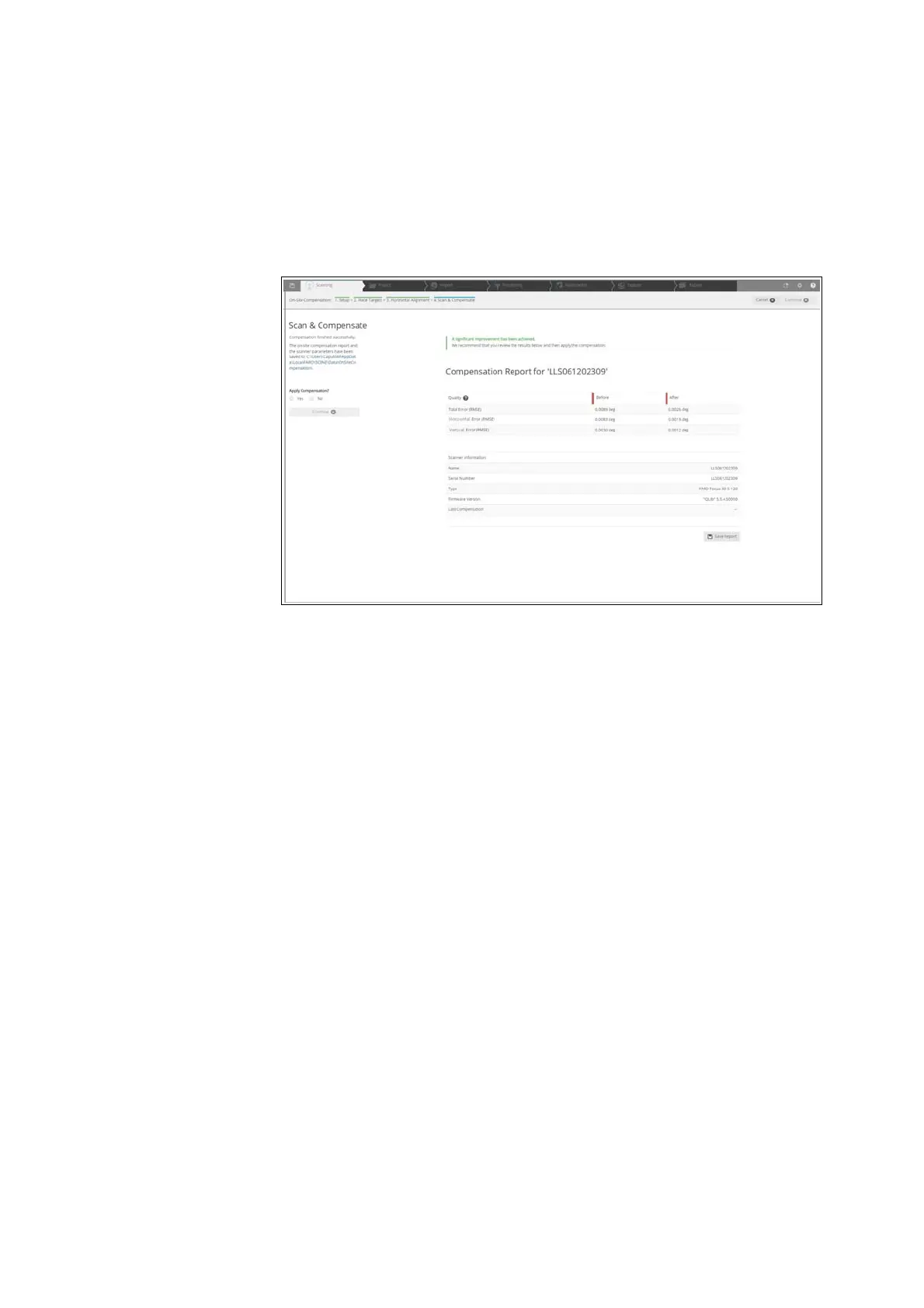
• When the compensation is finished, the Compensation Report is displayed
with the results of the compensation. Open the compensation report as
PDF by clicking the button Open Report. The Compensation Report is
saved as PDF to the location specified in the left side of the page.
Figure 8-97: Compensation Report
8.3.8 Troubleshooting
Error
Reading and writing to the selected data output folder failed.
Solution
Make sure that you have permission to read and write in the selected output
folder. Ensure that you have sufficient disk space. Approximately 330MB are
necessary to perform an On-Site compensation.
Error
The process did not identify enough targets for compensation.
Solution
In the output folder a targetImage.png file is stored. This image shows the
identified markers as blue circles. Areas with a sufficient amount of detected
targets have a green background color. In case of an insufficient amount of
detected targets the background color is red.



 To Next Page