FARO
®
Laser Scanner Manual
114
Chapter 8: Special Scanning Modes
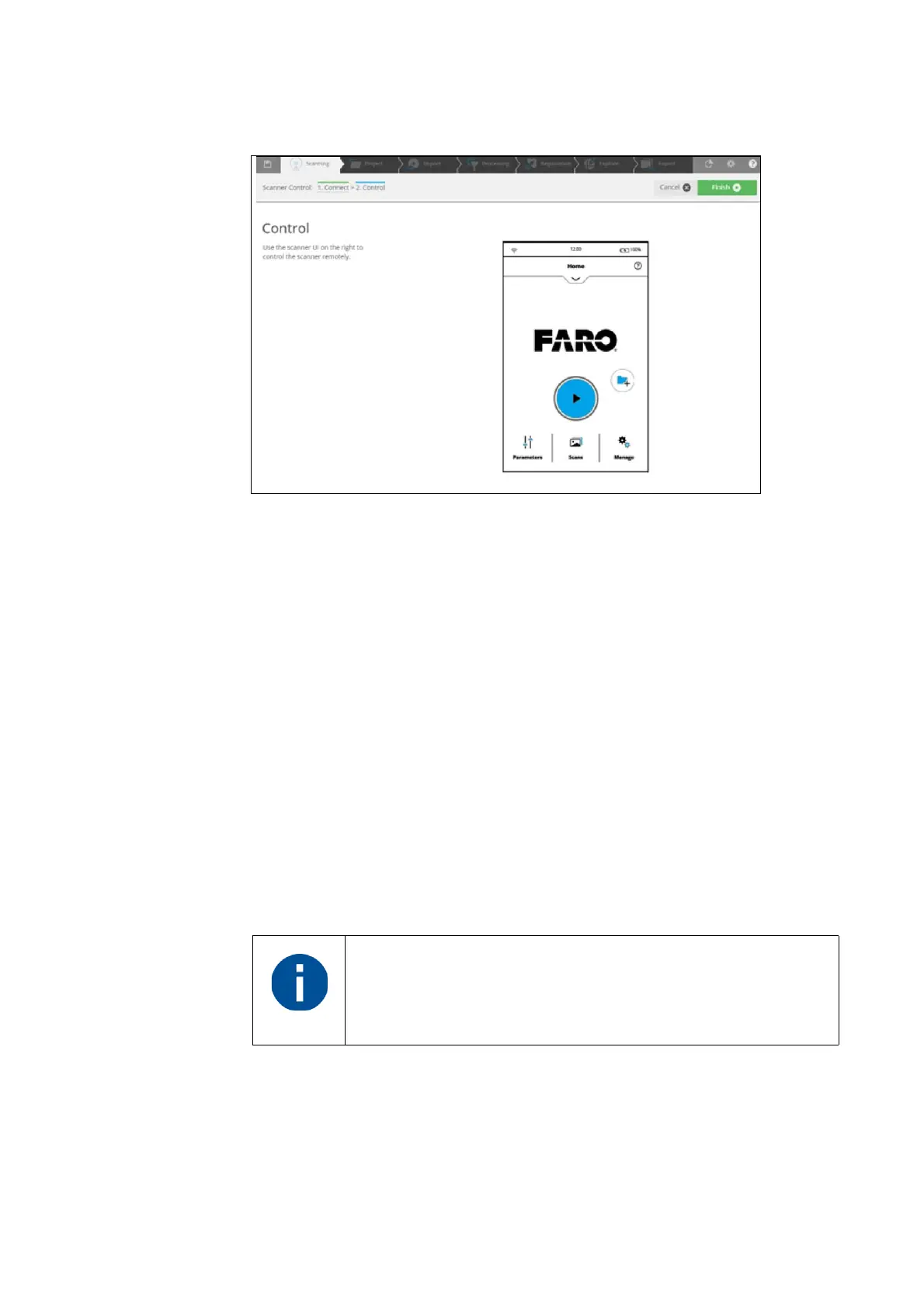
5. SCENE starts the Scanner Control task and displays the scanner user
interface. You can control the scanner remotely through this HTML
interface.
Figure 8-88: Finish or Cancel task
6. Click the Finish or Cancel button to close the scanner user interface,
scanner control task and disconnect from the scanner.
8.2 On-Site Registration
The On-Site Registration feature enables you to process and register scans
while on-site. The scanner must be connected to a computer running SCENE
because processing and registration of the scans are performed in SCENE.
After you make the initial setup you can operate On-Site Registration
functionality in one of the following ways:
• directly on the scanner
• through a connected device such as a smart phone or tablet, showing the
scanner user interface
• within SCENE
8.2.1 On-Site Registration Setup
Use the procedure below to setup on-site registration:
On-Site Registration is only available on Focus
S
models.



 To Next Page