FARO
®
Laser Scanner Manual
130
Chapter 9: Maintenance
9.2 Cleaning Slightly Contaminated Optics
9.2.1 Dry Pre-Cleaning (Non-Contact Cleaning)
Always start to remove dust or liquid droplet contamination on mirror or sensor
cover by using compressed dry air or special duster sprays (dry cleaning gas).
CAUTION:
Do not shake the Duster Spray bottle.
While using the duster spray, please ensure that you do not shake the bottle or
turn it upside down.
Small dropping bottle and
medium wash bottle
Optical / chemical
supply store
www.thorlabs.de
Stainless steel forceps
Optical / chemical
supply store
www.thorlabs.de
Powder-free lab gloves
(PVC or silicone)
Optical / chemical
supply store
For strongly
contaminated optics:
Mild neutral soap
Optical / chemical
supply store
Approved Cleaning
Supplies
Available from Recommended Suppliers
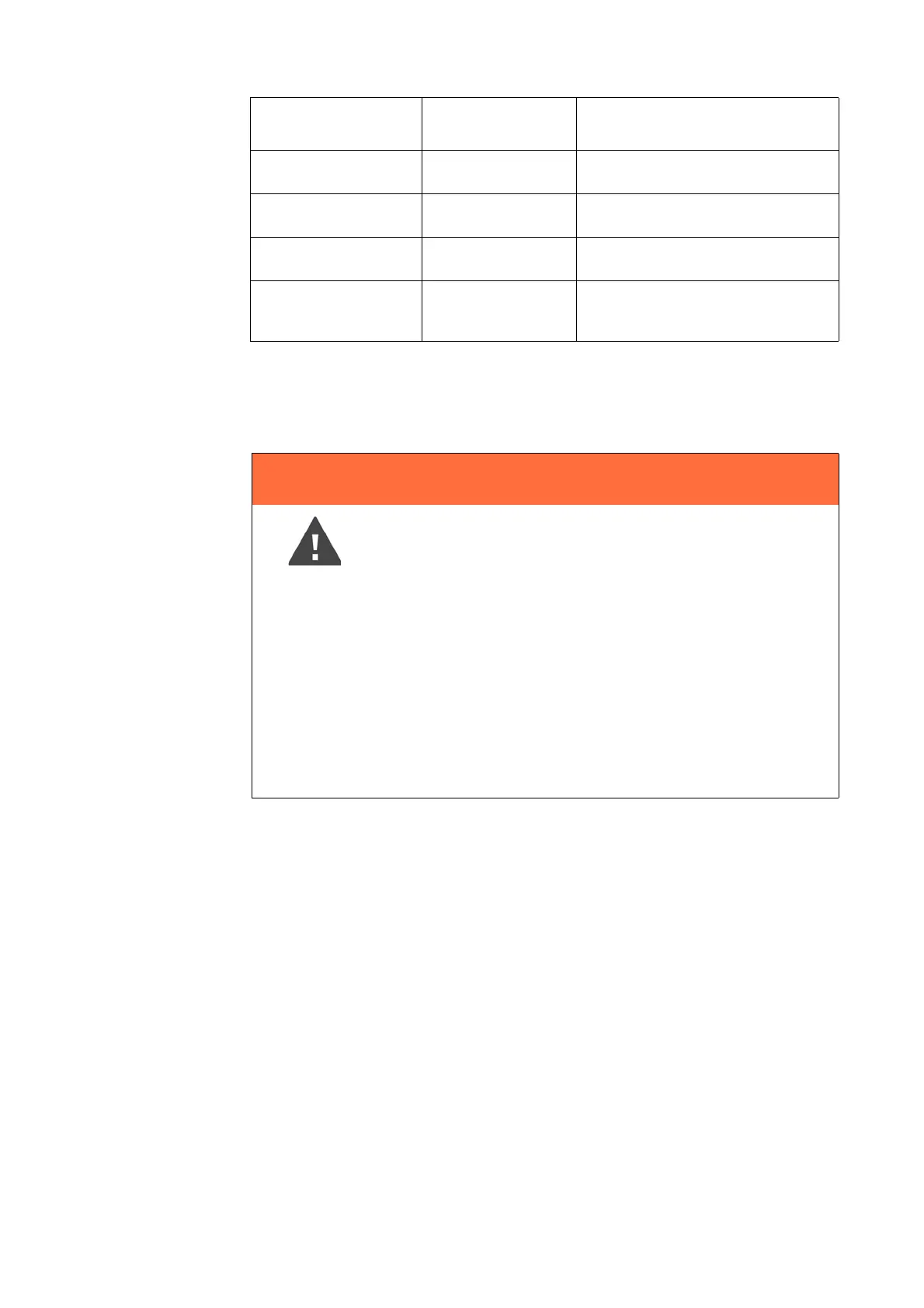
WARNING
Hand injuries
If the scanner is accidentally switched on, the mirrors might
start to turn. Before starting any cleaning activity:
• shut down the laser scanner module and remove the
battery pack.
• when using an external power supply, remove the power
line.
This will prevent the mirror from turning during the cleaning
work.



 To Next Page