FARO
®
Laser Scanner Manual
122
Chapter 8: Special Scanning Modes
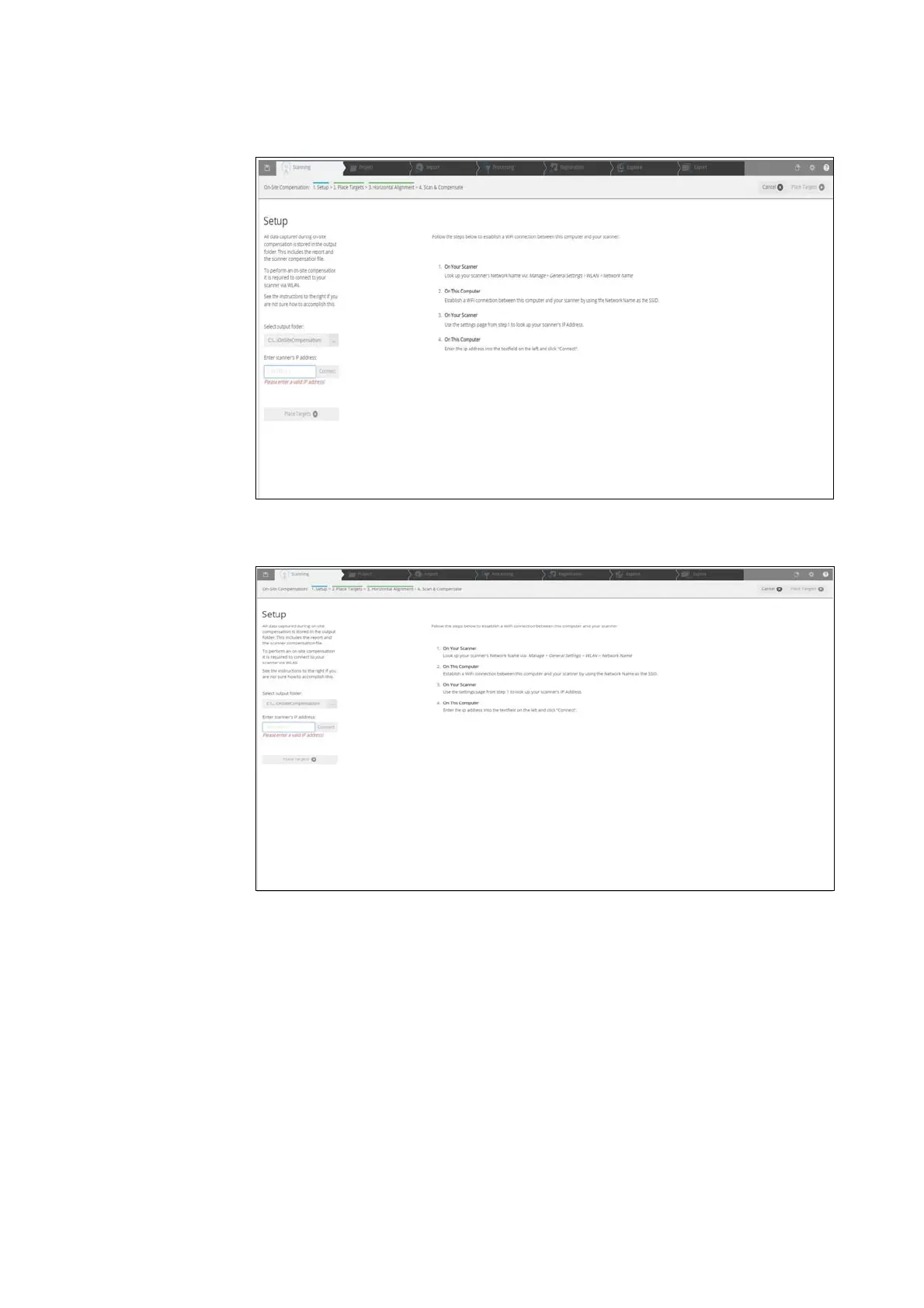
8.3.4 Setup
Figure 8-93: Setup: Select Output Folder
Figure 8-94: Setup: Enter IP Address
Enter Scanner IP Address
1. Enter the IP address of the laser scanner. You can find the IP address of
the laser scanner by tapping Manage > General Settings > WLAN > IP
Address on the scanner user interface. Enter the IP address as it is,
following exactly the given scheme of digits and dots.
2. Click the Connect button.
3. In the dialog, click the Place Targets button to continue with the next step.



 To Next Page