FARO
®
Laser Scanner Manual
33
Chapter 6: Getting Started
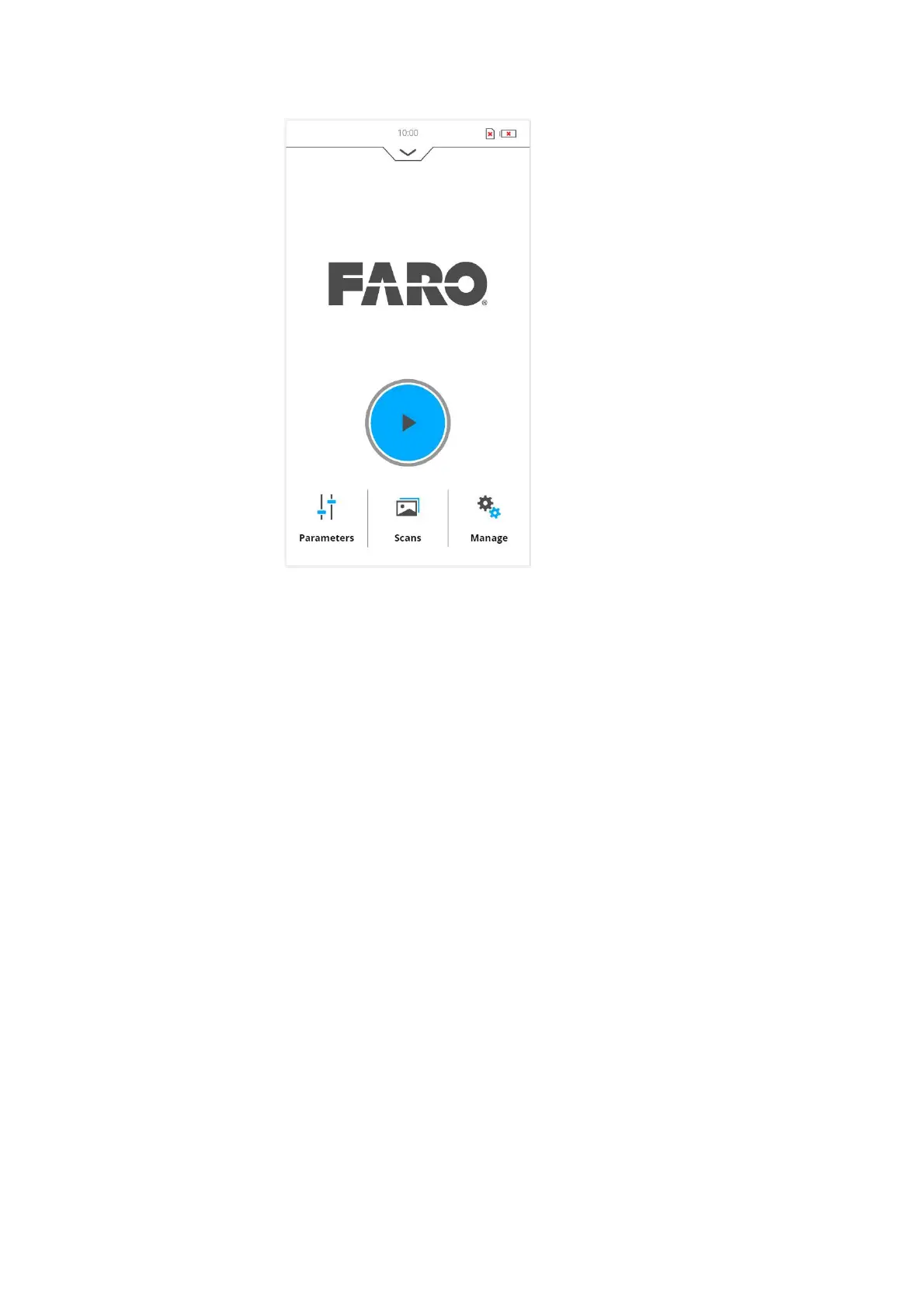
Figure 6-15: Home Screen of the controller software
The FARO Laser Scanner can be operated to its full extent by simply tapping
the elements on the screen with your fingers. You can use a capacitive stylus
to navigate through the user interface.
6.5 Initial Scanner Settings
This chapter gives you a brief description on how to set up initial scanner
settings using the scanner's controller software on the integrated touch
screen. See
Controller Software for more information.
6.5.1 Setting the Interface Language
Starting from the Home screen, go to Home > Manage > General Settings >
Language to change the language of the controller software.



 To Next Page