FARO
®
Laser Scanner Manual
88
Chapter 7: Controller Software
7.4.5 General Settings
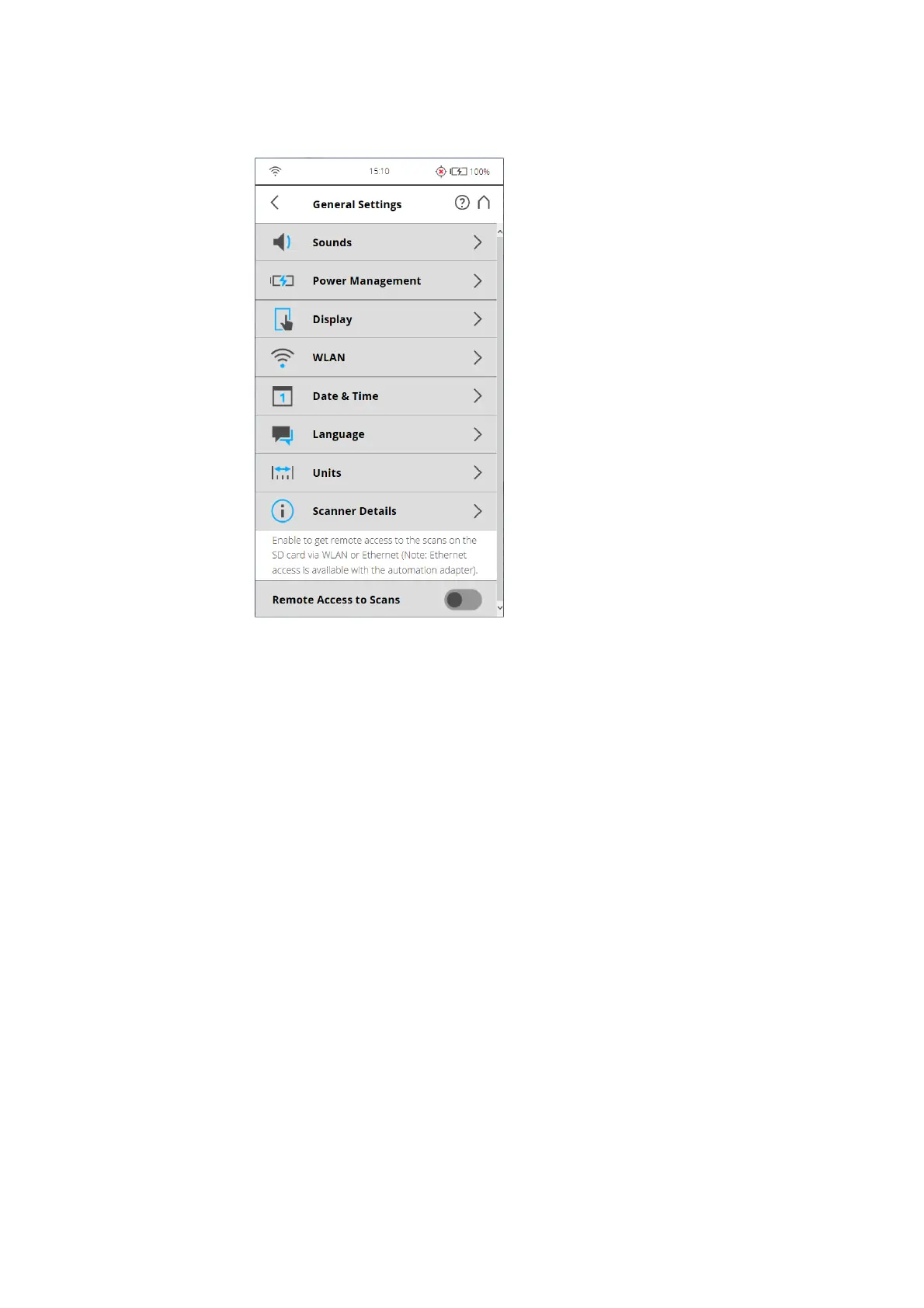
Figure 7-63: General Settings
Sounds - Change the volume of the scanner sounds, enable or disable
scanner sounds.
See
Sounds on page 89.
Power Management - View detailed settings regarding the administration of
power like the battery charge level; enable or disable start on power; modify
display settings to optimize power usage.
See
Power Management on page 90.
Display - Set the brightness of the screen or change the theme of the Home
screen to Dark or Bright.
See
Display on page 91.
Date & Time - Change the displayed time and date format and change the
date and time of the scanner.
See
Setting the Date and Time on page 35.
Language - Change the language of the controller software.
See
Setting the Interface Language on page 33.
Units - Change the displayed unit of lengths.



 To Next Page