FARO
®
Laser Scanner Manual
109
Chapter 7: Controller Software
7.5 View Scans
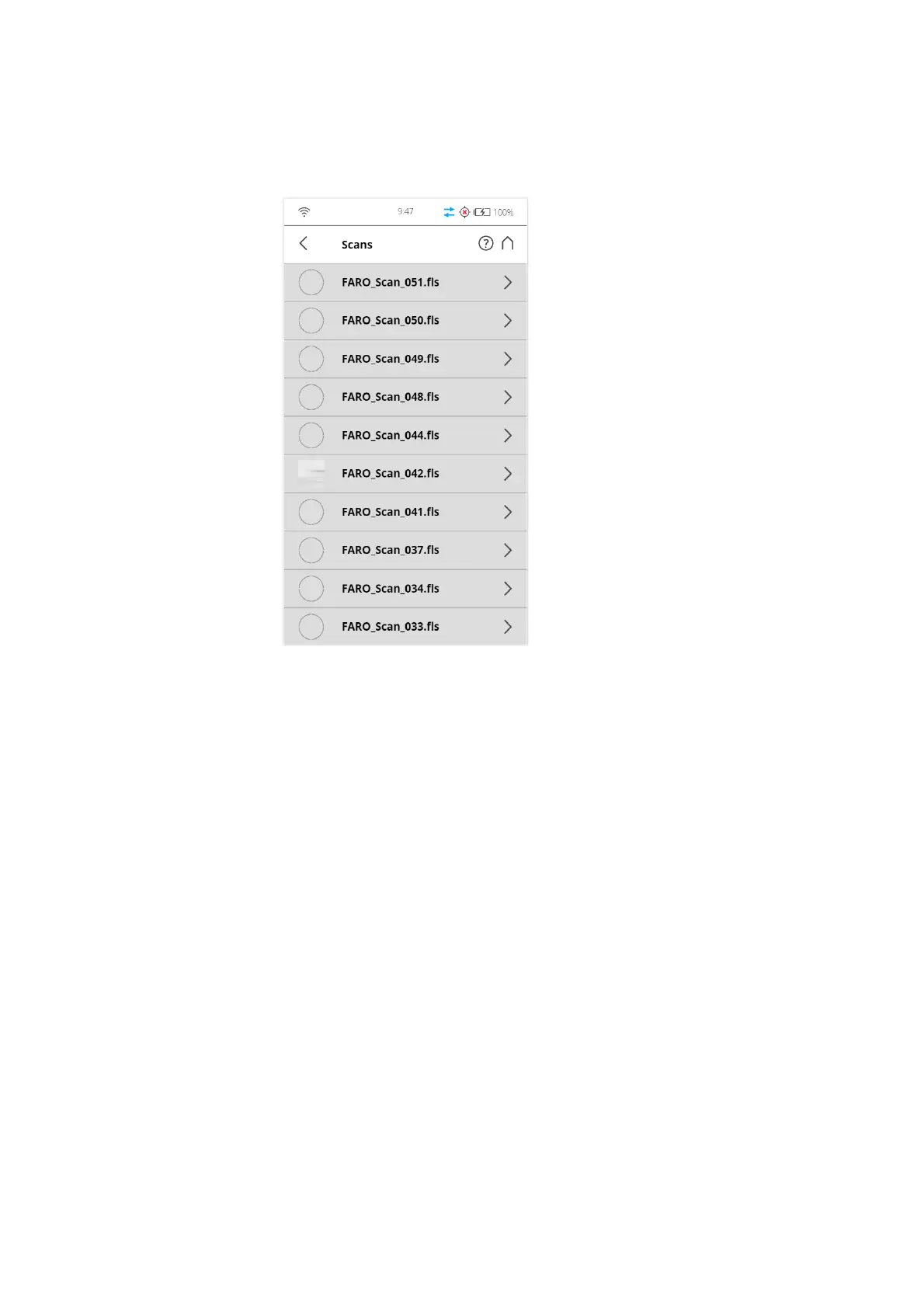
You can examine preview pictures of the scans stored on the inserted SD card. A list
of all available scans will be displayed:
Figure 7-82: Scans List
This list contains all scans that are available on the SD card, displayed with
their name. The list is sorted according to the creation date of the scans.
Tap a scan in the list to see its preview picture.



 To Next Page