FARO
®
Laser Scanner Manual
124
Chapter 8: Special Scanning Modes
• The distance between the target sheets and the scanner must be between
1.5 m to 3 m.
• All target sheets must be vertically aligned.
Laser Scanner Placement
• Mount the laser scanner on a tripod.
• Place tripod and scanner on stable, flat surface. The tripod must not move
during scanning.
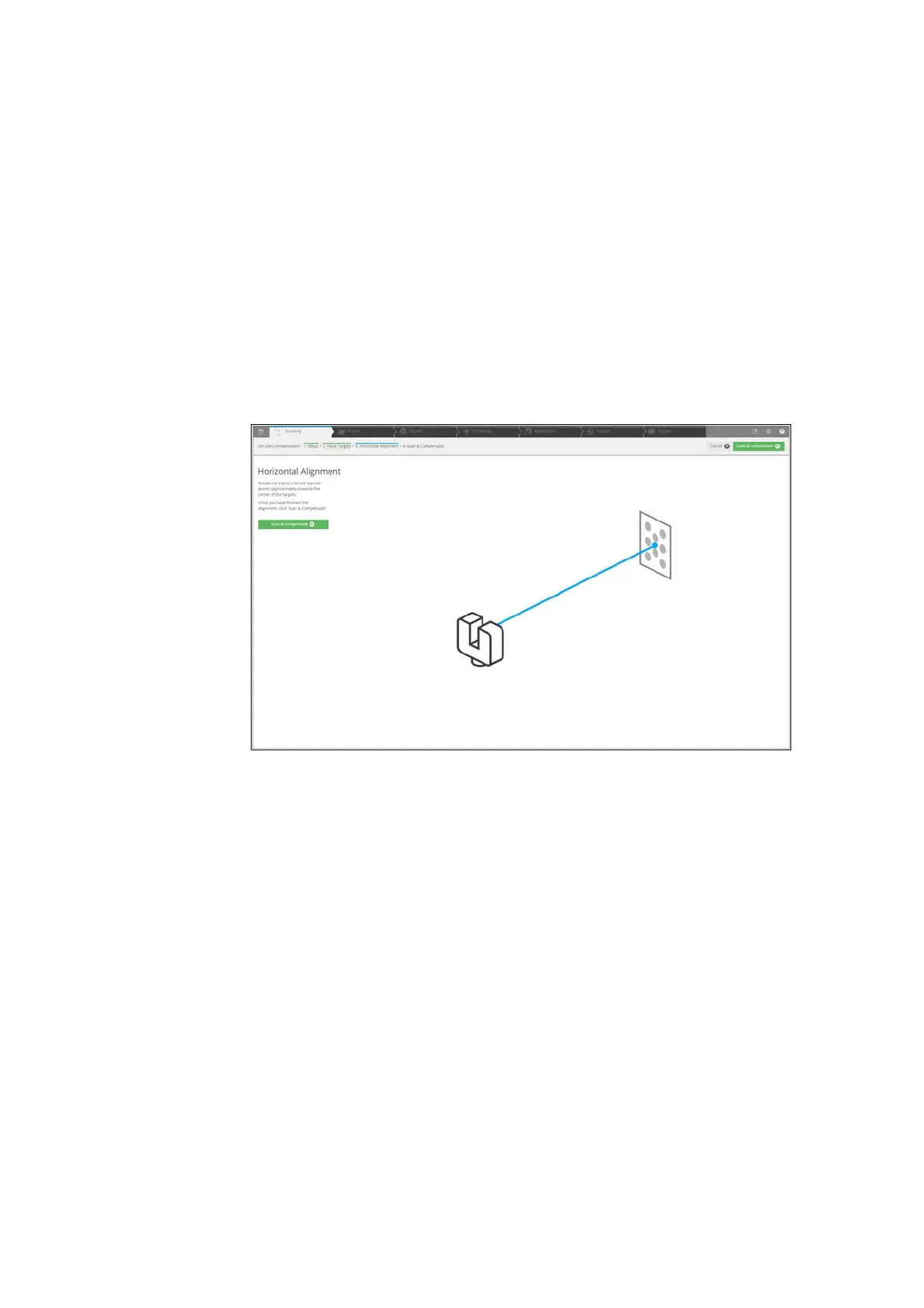
8.3.6 Horizontal Alignment
Figure 8-96: Horizontal Alignment
Horizontally align the scanner tripod as follows:
• Rotate the tripod of the scanner to point approximately towards the center
of the targets.
• Start scanning and compensation by clicking the button “Scan &
Compensate”
• During the compensation process, the status of progress is displayed. You
can cancel the process if required.
8.3.7 Scan & Compensate
• Select whether you want to apply the compensation data to the scanner.
•Click disconnect to disconnect from scanner and finish the On-Site
compensation.



 To Next Page