FARO
®
Laser Scanner Manual
38
Chapter 6: Getting Started
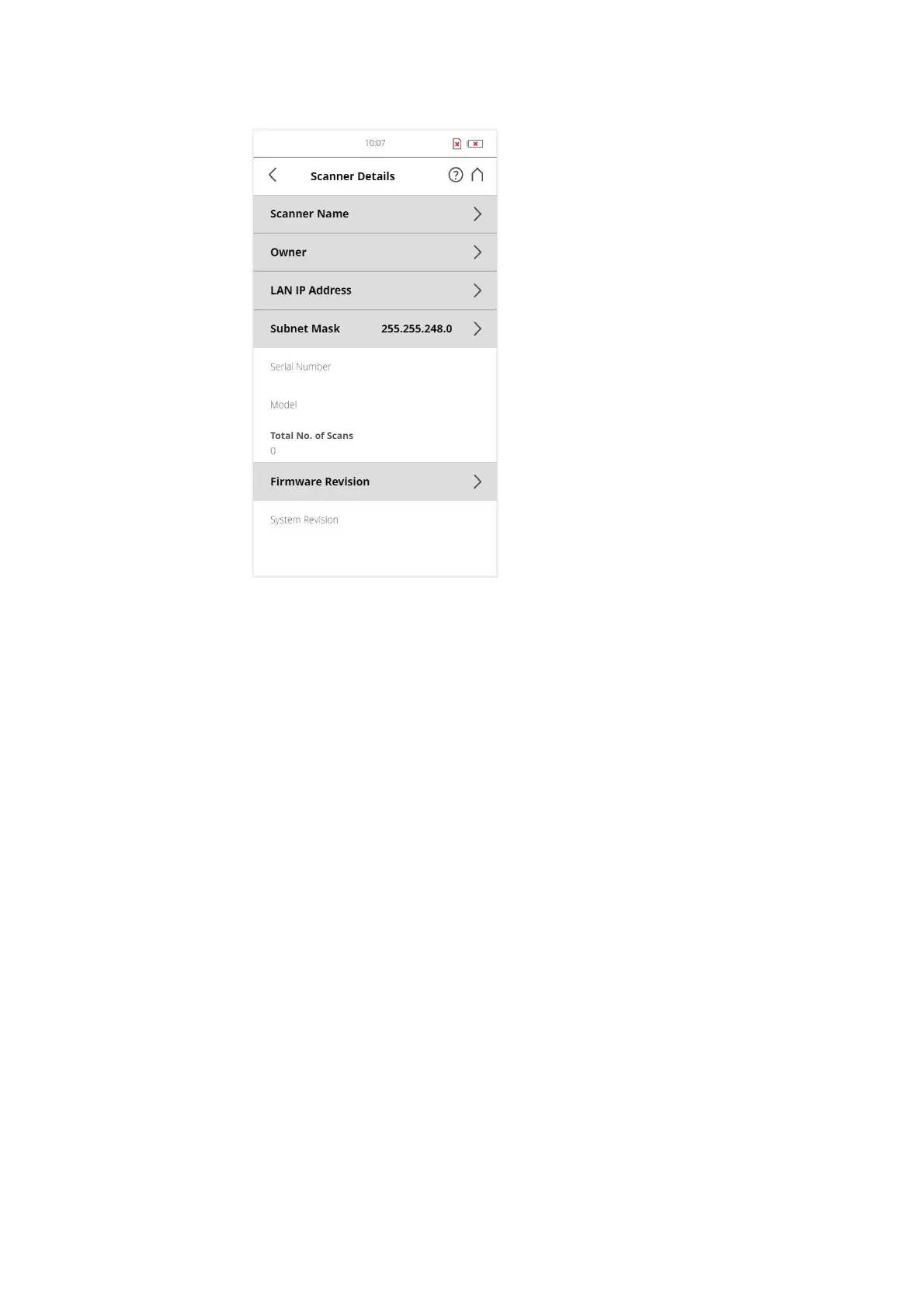
Figure 6-21: Scanner Details
Scanner name - Tap to change the name of the scanner.
Owner - Tap to enter the name of the company or person owning the scanner.
For more information, see
Scanner Details on page 99.
6.6 Scanning
This chapter will give you a brief description on how to set the scanning
parameters in order to capture your first scans. Normally, you would provide
and enter project information before starting with your scan project. This will
be described later. For more information, see
Scan Projects and Clusters on
page 68.
6.6.1 Setting the Scanning Parameters
(Home > Parameters)
Scanning parameters like resolution, quality or the scanning angles are the
parameters used by the scanner for recording the scan data.There are two
ways to set the scanning parameters: by changing them manually or by
selecting a scan profile which is a predefined set of scanning parameters.
When selecting a scan profile, its settings will overwrite the scanning
parameters.



 To Next Page