FARO
®
Laser Scanner Manual
31
Chapter 6: Getting Started
6.3.2 File Structure of the SD Memory Card
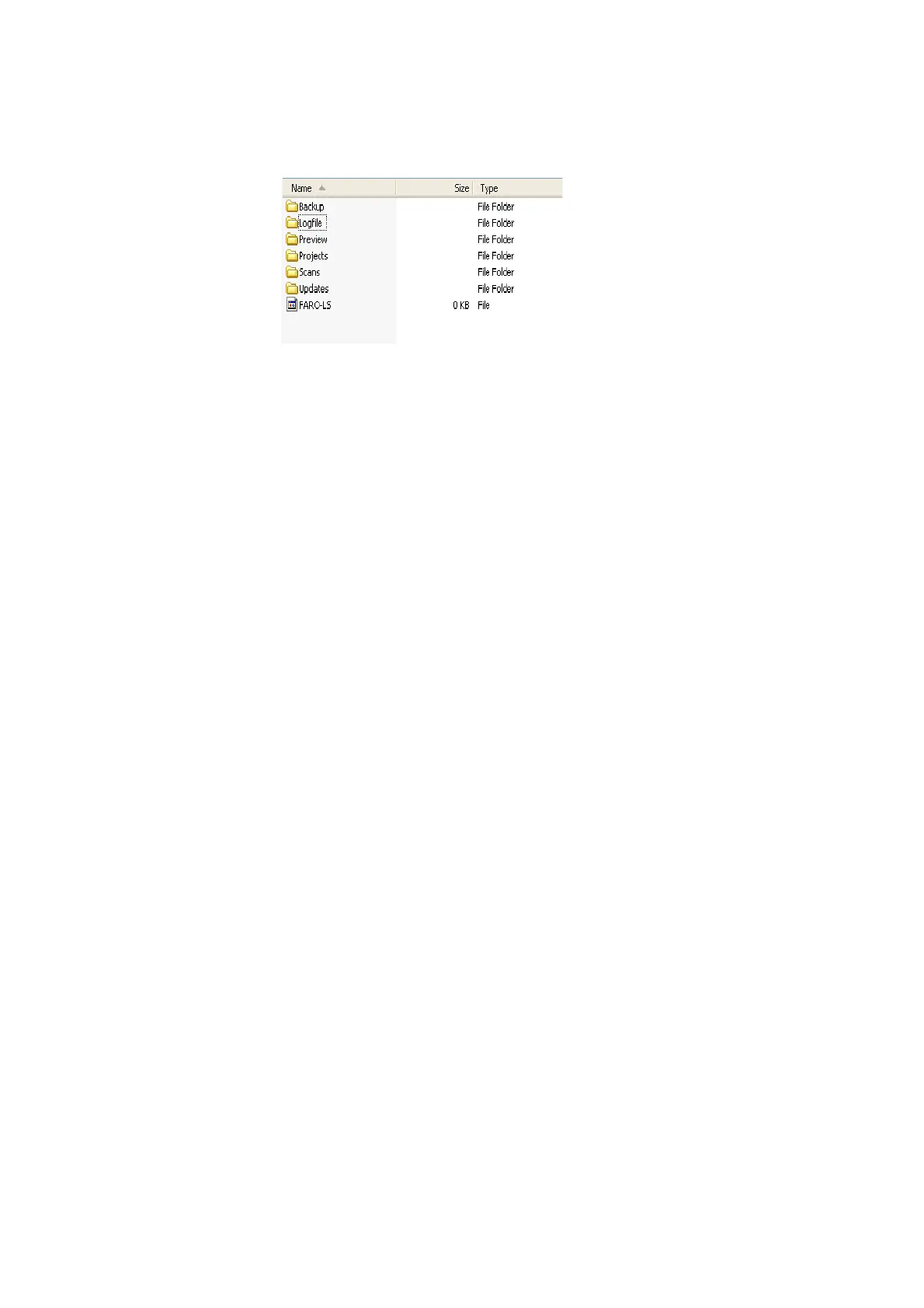
The file structure of the FARO Laser Scanner SD cards is as follows:
Figure 6-13: SD Card File Structure
Backup - Scanner backups will be saved to this folder. The backup folder will
be created automatically as soon as you start a scanner backup. See
Backup
on page 104.
Logfile - When exporting the log files from the scanner, they will be saved to
this folder. This folder will be created automatically by the scanner. See
Log
File
on page 104.
Preview - The preview pictures of captured scans will be saved to this folder.
The folder will be created automatically as soon as you start a scan. See
Starting a Scan on page 48.
Projects - Scan projects information will be saved to this folder. The folder will
be created automatically by the scanner. See
Scan Projects and Clusters on
page 68.
Scans - The captured scans will be saved to this folder. The scans folder will
be created automatically as soon as a scan has been started. See
Starting a
Scan
on page 48.
Updates - Copy firmware updates to this folder. This folder must be created
manually. See
Firmware Update on page 107.
FARO-LS - Signature file, used to identify the SD card as a FARO Laser
Scanner card. This file will be created automatically as soon as a scan has
been started.



 To Next Page