FARO
®
Laser Scanner Manual
81
Chapter 7: Controller Software
7.4.4 Sensors
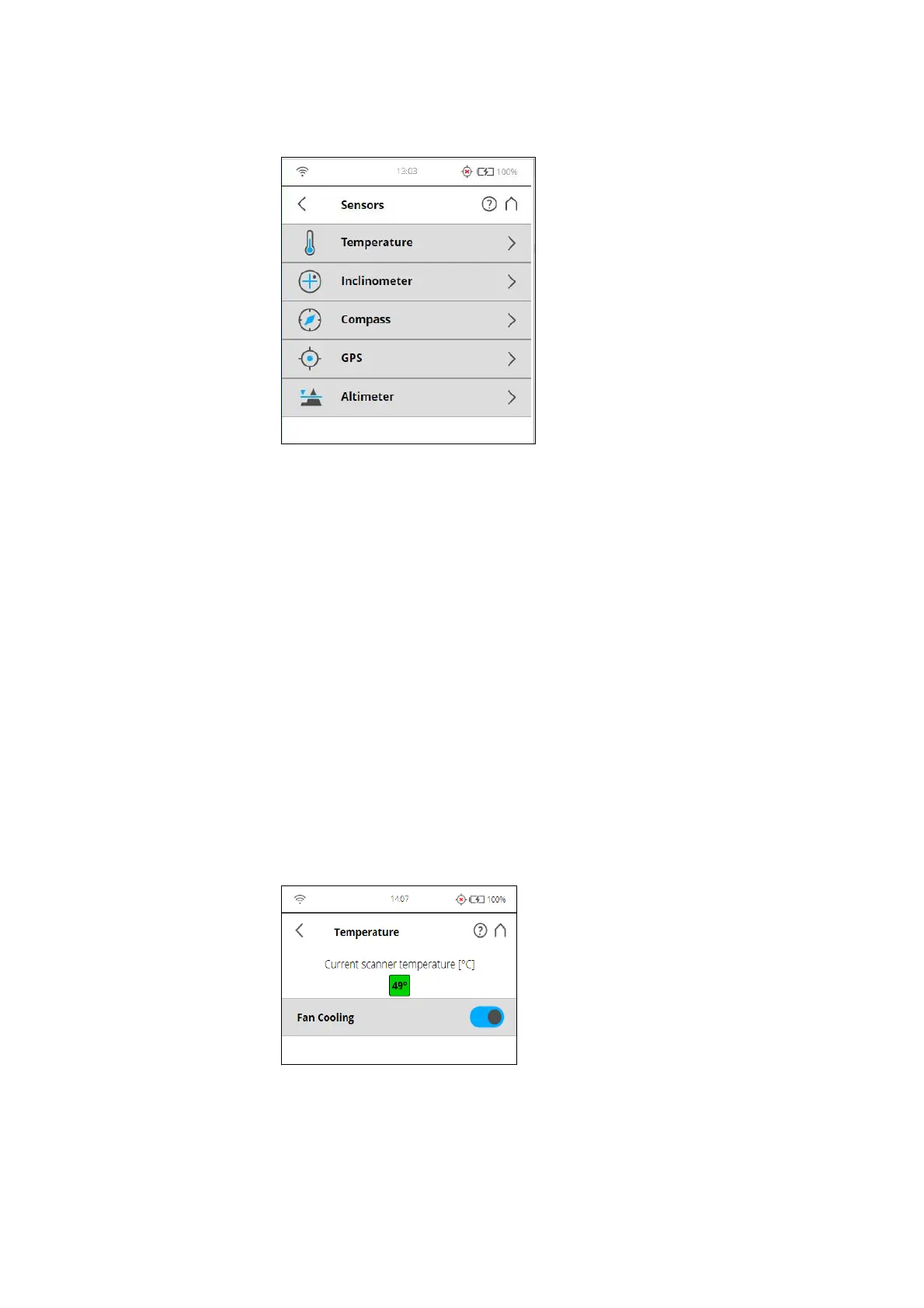
Figure 7-57: Sensors
Temperature - Tap to view the current scanner temperature and to switch the
scanner's fan on or off. See
Temperature Sensors on page 81.
Inclinometer - Tap to level the scanner. See
Inclinometer (Dual Axis
Compensator)
on page 82.
Compass - Tap to view the orientation of the scanner. See
Compass on
page 84.
GPS - Tap to view details about the current GPS position and accuracy. See
GPS on page 85.
Altimeter - Tap to view the currently measured altitude of the scanner‘s
position and to sync the altimeter with a reference height. See
Altimeter on
page 86.
Temperature Sensors
Figure 7-58: Temperature Sensors
The scanner has several temperature sensors integrated that measure the
temperature at different positions inside the scanner. This screen shows the
temperature of the sensor with the currently most critical value.



 To Next Page