FARO
®
Laser Scanner Manual
86
Chapter 7: Controller Software
position (latitude and longitude). With four or more satellites in view, the
receiver can determine the scanner‘s 3D position (latitude, longitude and
altitude).
The signal strength bars below the GPS information appear for each satellite
in view with the appropriate satellite number underneath. They indicate the
signal strength for each satellite.
GPS precision - Provides information about the precision of the currently
measured coordinates in meters or feet. The DOP (dilution of precision)
values are an indicator of the quality of the geometry of the current satellite
constellation. In general, good position measurements can be achieved, when
the satellites are located at wide angles relative to each other. In this case the
DOP values are low. Higher DOP values indicate a poor satellite geometry
which might have a negative effect on the position accuracy.
The current GPS status and signal quality is indicated by different GPS icons
in the status bar of the operating software.
Before starting a scan, you should always look at the GPS icon and the
indicated quality. If no GPS data is available or position deviation is high, try to
find a position with better signal quality.
A limited GPS signal can have many different causes. As with portable
navigation devices, make sure that the scanner always has an unobstructed
view of the sky. Obstructions can block the signal reception, causing position
inaccuracy or no position data. The GPS signal can also be reflected by
objects (for example, buildings or mountains), causing the measured position
to wander. The more satellites the sensor has in view, the better the fix is.
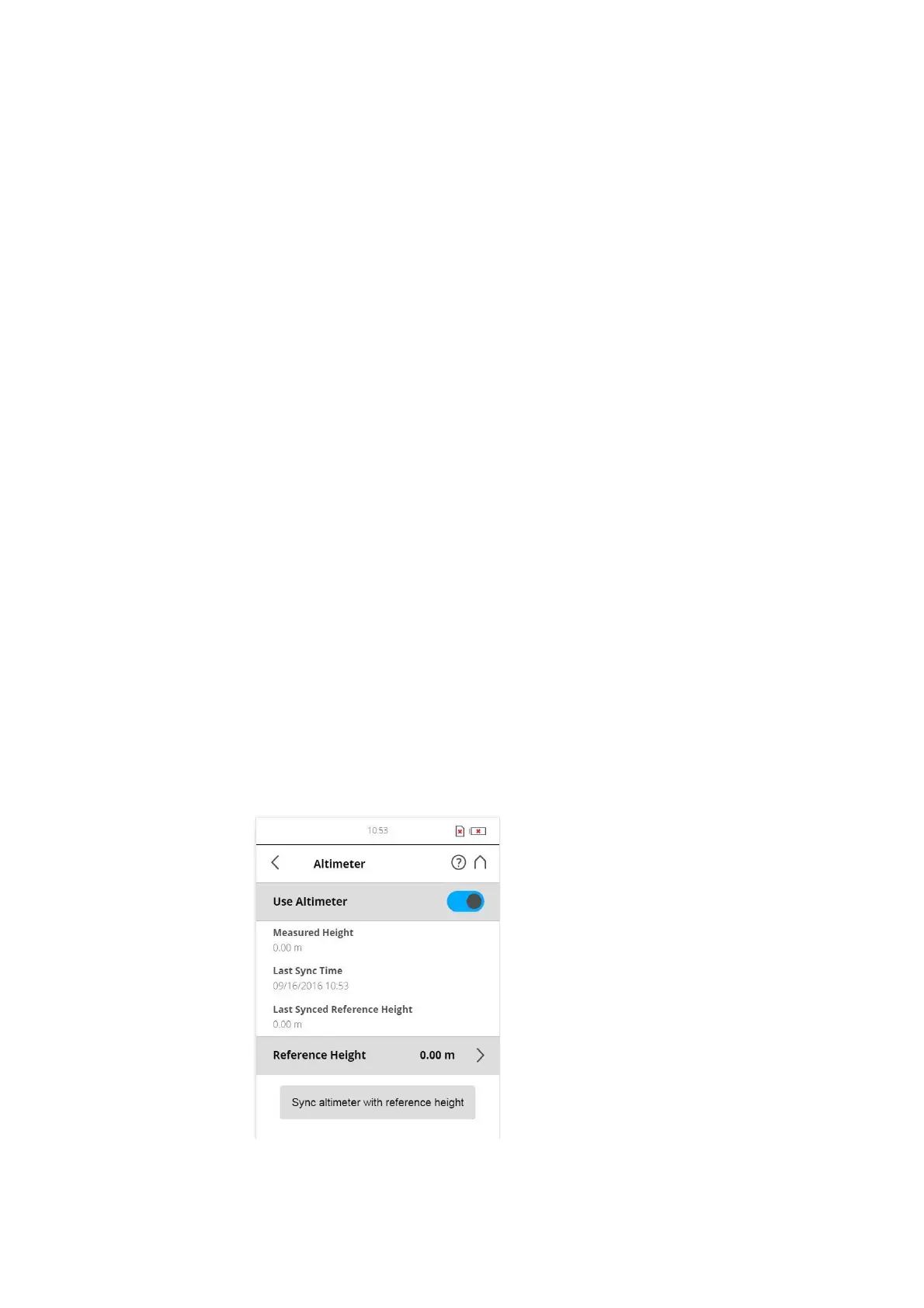
Altimeter
(Manage > Sensors > Altimeter)
Figure 7-62: Altimeter



 To Next Page