FARO
®
Laser Scanner Manual
24
Chapter 6: Getting Started
6.2 Setting up the FARO Laser Scanner
Although the scanner can be mounted directly onto a tripod, using the FARO
Quick Release is recommended for ease of use.
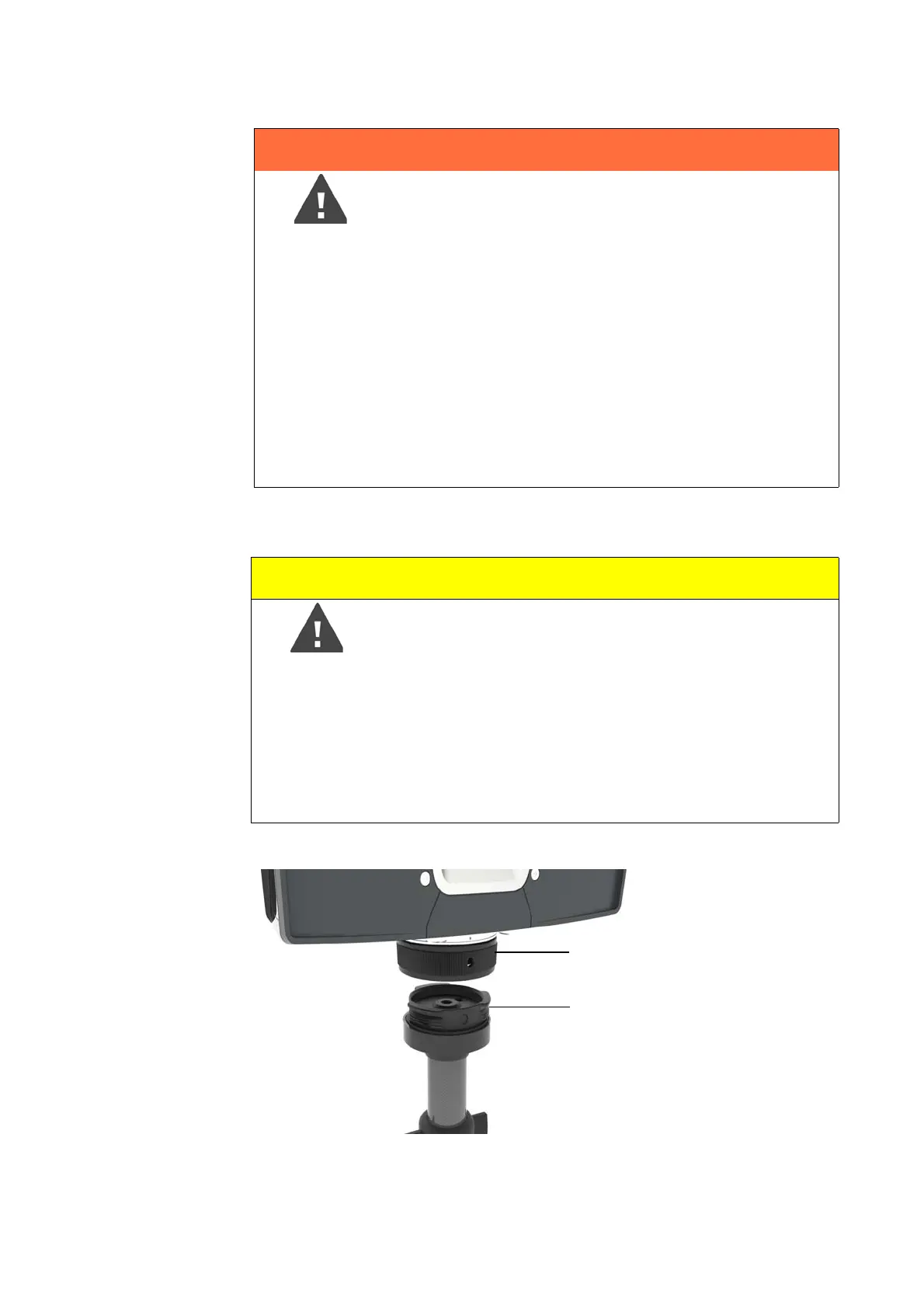
The Quick Release consists of two main parts: the base plate (1) to be put on top of
the tripod’s platform, and the mount plate (2) to be attached underneath the scanner.
The Quick Release is packaged with two hex keys which are needed for mounting:
WARNING
Danger of injuries, especially to children or kneeling
persons
Injuries may result if the FARO Laser Scanner overturns.
• The FARO Laser Scanner may only be used when set
on a flat and stable surface.
• If using a cart, move the setup with special care. Never
move the cart by pulling at the power cables. Pushing or
pulling of the cart with too much force, sudden stops, or
an uneven surface can cause an upset of the
FARO Laser Scanner.
• In windy conditions, use a heavy weight or sandbags
attached to the center hook of the tripod to stabilize and
secure the tripod.
Caution
Danger of Injury
Do not use the FARO Quick Release when mounting the
scanner in an inverted position. The scanner could fall and
be damaged or cause injury to bystanders.
If you need to mount the scanner in an inverted position
(i.e., upside down), use the 3/8” or M5 screw threads and
ensure that the screws are equipped with a locking
mechanism to prevent unintentional loosening.



 To Next Page