FARO
®
Laser Scanner Manual
23
Chapter 6: Getting Started
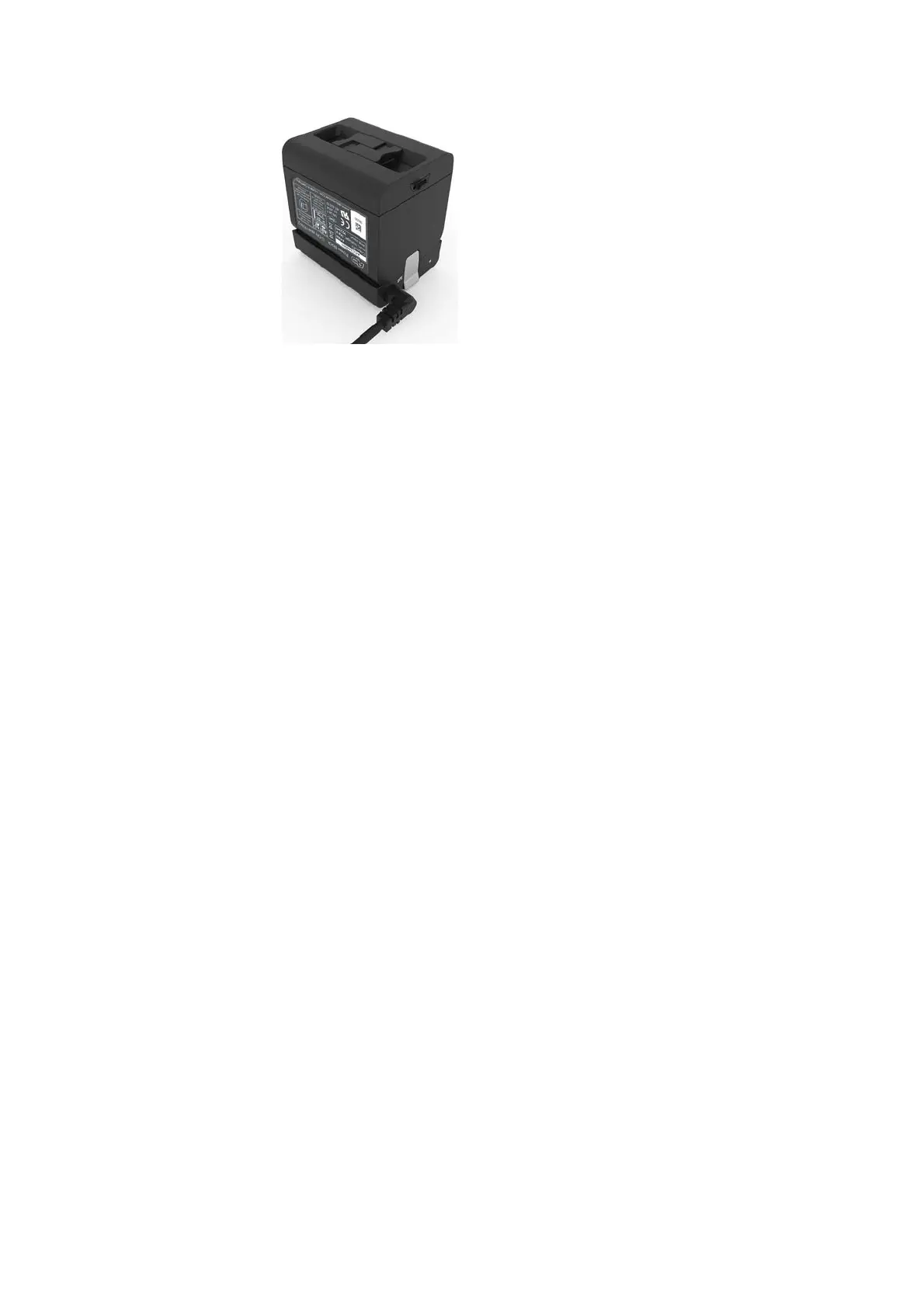
Figure 6-12: Placing the battery on the Power Dock battery charger
5. Charging starts automatically; the LED blinks and illuminate according to
the current charging state of the battery. For more information, see
Power
Dock Battery Charger
on page 19.
6. After charging, carefully press the charger interlock mechanism and
remove the battery out of position.
6.1.3 Tips for Using the Battery
• Charge the battery the day it is to be used or on the day before. A charged
battery that is unused, will gradually lose power over time.
• If the battery becomes exhausted quickly after being fully charged, replace
it with a new one.
• For best battery performance, an ambient temperature of 0°C (32°F) to
40°C (104°F) is recommended. In colder or warmer locations, battery
performance and operation time may temporarily decrease.



 To Next Page