FARO
®
Laser Scanner Manual
56
Chapter 7: Controller Software
Home - returns you to the Home screen. See Home Screen on page 58.
7.1.3 Frequently Used Buttons
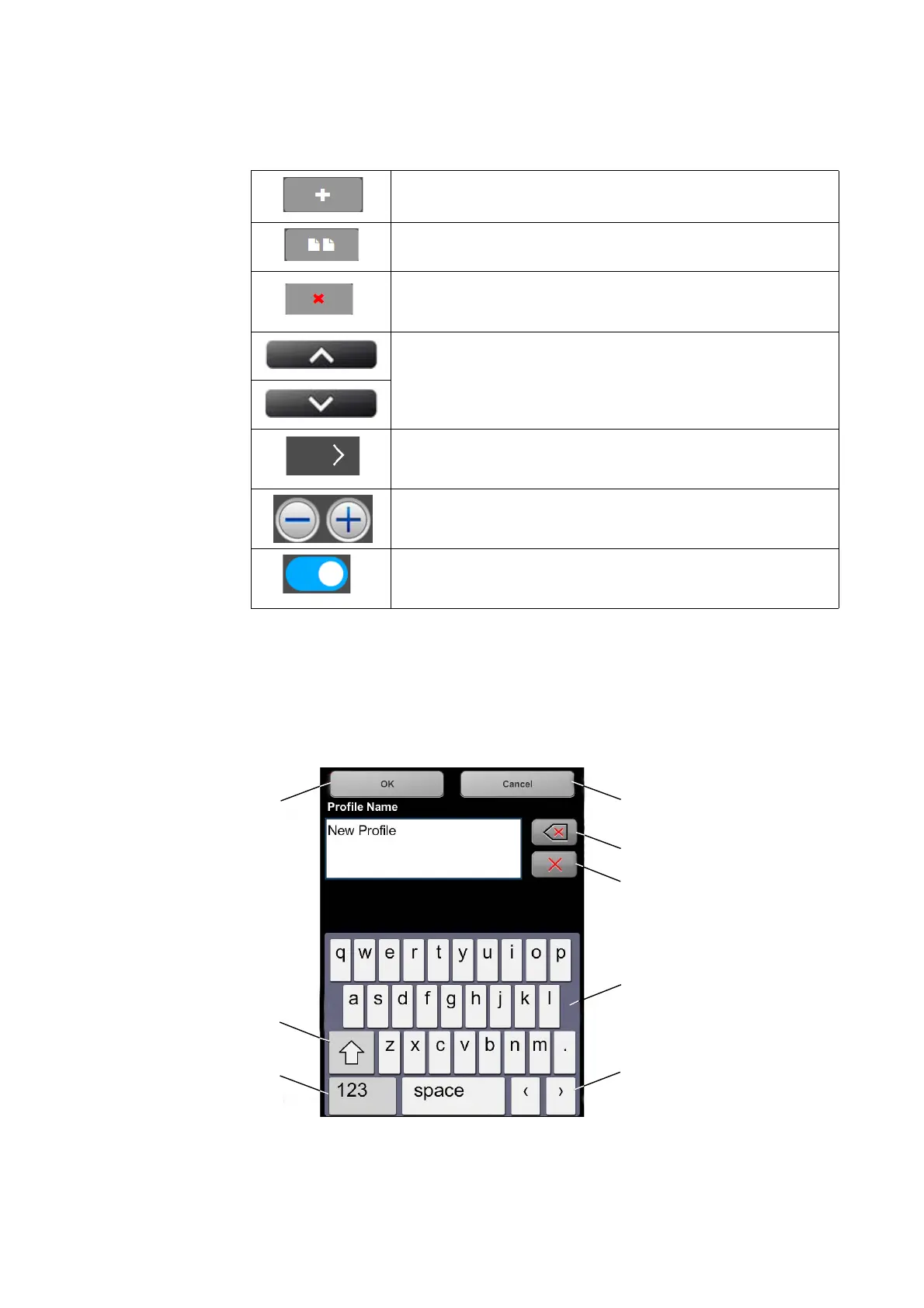
7.1.4 Context-Sensitive Keyboard
The context-sensitive keyboard is shown if an entry field requires an entry, for
example, to enter operator data or the name of the scan project.
Figure 7-35: Onscreen Keyboard
Shift key to toggle between capital and lower case letters
Add button. Adds new scan profiles, projects or operators.
Duplicate button. Adds new scan profiles, projects or operators by
duplicating the selected list element.
Delete button. Deletes selected list elements, like projects, scan
profiles or operators. This button is grayed if the selected list element
can not be deleted.
Scroll up and down buttons. Appear on the bottom of the screen if the
content of a screen exceeds the screen height. Tap the button to scroll
the screen up or down.
A arrow on buttons indicates that this button opens a new screen with
further details or settings.
Decrease or increase a value by tapping one of these two buttons.
On/Off slider. Used to turn functions on or off. Here, the function is
turned on.



 To Next Page