FARO
®
Laser Scanner Manual
46
Chapter 6: Getting Started
Set the HDR capturing by tapping the + or - button from 2x to 5x. This setting
corresponds to the exposure levels. If no option is selected, then OFF
selection is displayed.
Night Mode Select the night mode to improve the quality of the color photos in relatively
dark lighting conditions. The image noise will be reduced in low light
situations. However, enabling the night mode will increase the scan duration
significantly.
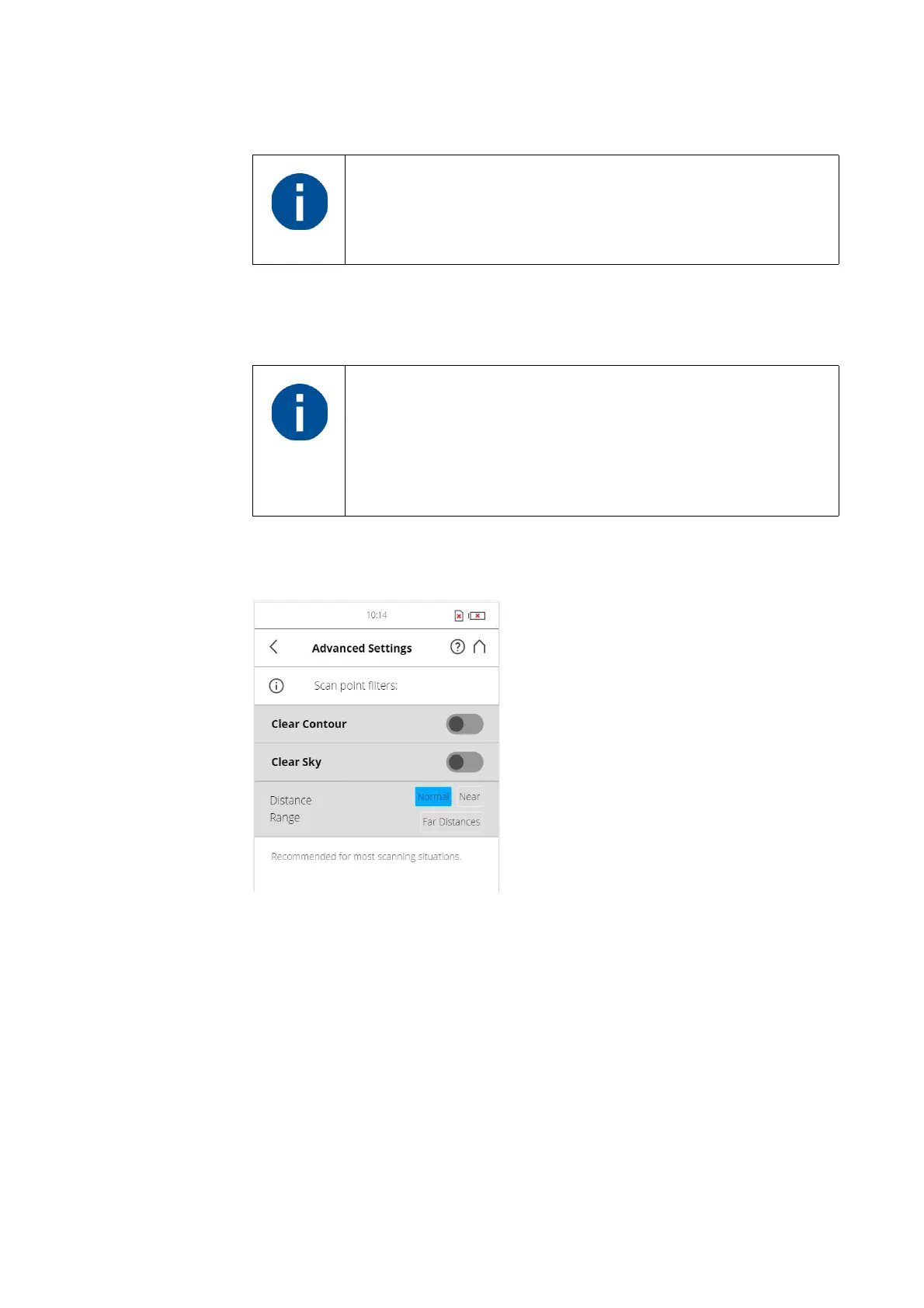
Advanced Settings
Figure 6-30: Advanced Scanning Settings
Clear Contour - Enables the dynamic contour filter. This hardware filter will
remove incorrect measurements at the edges of objects during scanning, due
to duplicate scan points.
Clear Sky - Enables the dynamic sky filter. During scanning, this hardware
filter will remove scan points resulting from scanning empty spaces in the sky.
Distance Range - The Distance Range setting configures the scanner to
increase the quality of the points captured at specified distances.
Normal - Select this option when scanning under normal light conditions.
Near - Select this option to scan near objects accurately.
When HDR is enabled, the larger number of captured images
will result in a longer capturing time. The processing time will
be longer in SCENE.
The best scanning results can be achieved if Night Mode is
enabled along with Horizon Weighted Metering or Zenith
Weighted Metering.
However, very dark lighting conditions may lead to a poor
picture quality even if night mode is activated. This can lead to
grainy images and other artifacts.



 To Next Page