FARO
®
Laser Scanner Manual
76
Chapter 7: Controller Software
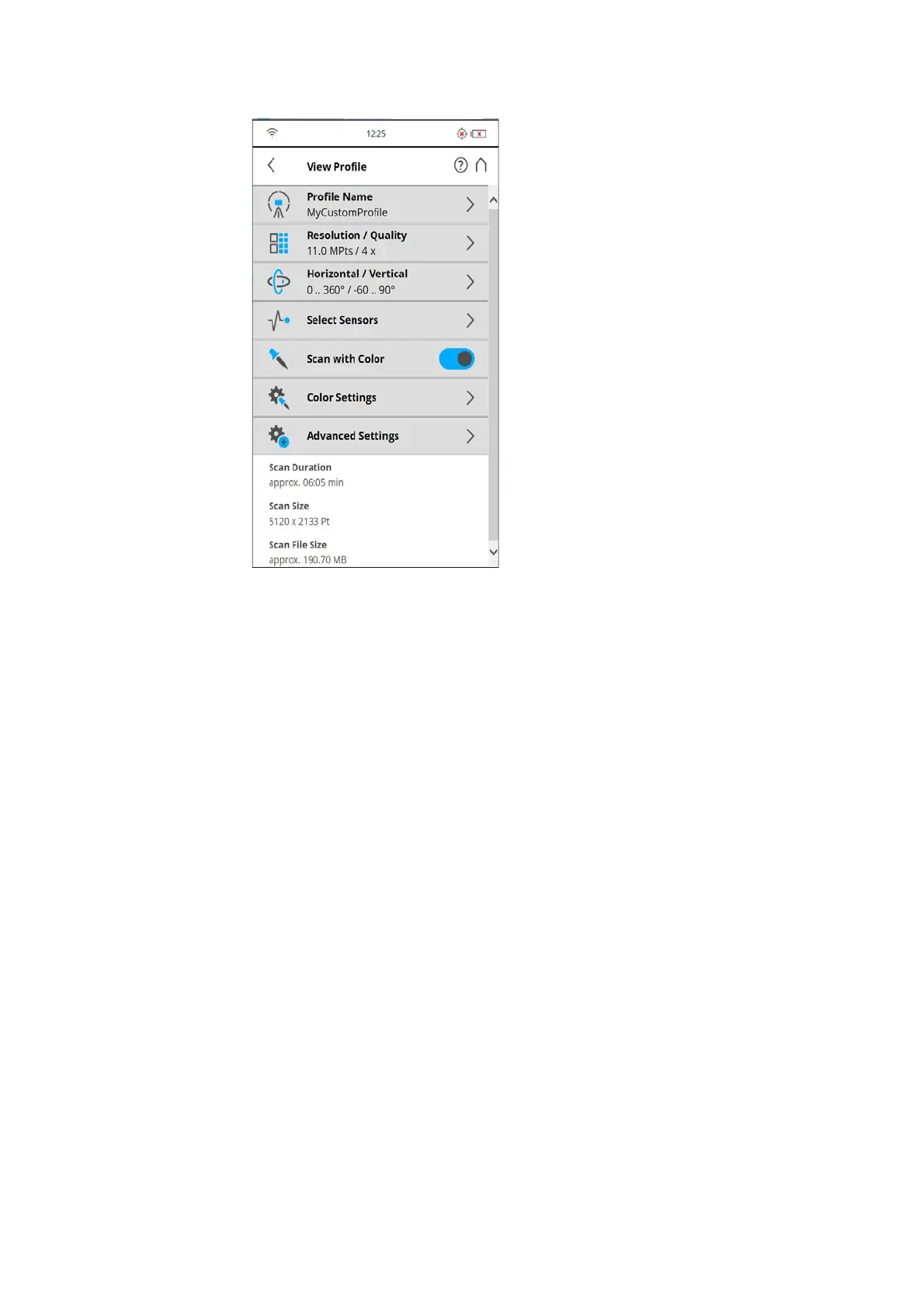
Figure 7-54: Scan Profile Details
Profile Name: name of the scan profile. Tap to change it.
The further settings in this view are similar to the settings of the scanning
parameters. For more information, see
Scan parameters on page 59.
Editing a Scan Profile
To edit a scan profile, select it in the list and tap it again to view its details. You
cannot edit predefined profiles.
To view the details of the selected profile, tap once again.



 To Next Page