Page 10 Copyright FlyThisSim LLC 2013
Computer Harness
o (1) Computer power
o (2) MAIN monitor HDMI
o (3) AUX monitor DVI
o (4) AUX monitor USB
o (5) MAIN monitor USB
o (6) X-Plane USB key (Commercial)
o (6) * Twin (for twin aircraft)
o (7) Rudder Pedals
o (8) Throttle Quadrant
o (9) Joystick (or Yoke)
o (D) Keyboard/Mouse Adapter
o (E) Wi-Fi USB Dongle
o (E) ** X-Plane USB key
o (F) **Wi-Fi USB Dongle
o (L) *(VISX) VISX Primary DVI
o (R) *(VISX) VISX Primary HDMI
o (C) *(VISX) VISX Secondary DVI
AUX Monitor Harness
o (10) Power
o (11) DVI
o (12) USB
MAIN Monitor Harness
o (13) Power
o (14) USB
o (15) HDMI
(A) Joystick USB Jack
(B) Single Throttle USB Jack
(C) Twin Throttle USB Jack
Power Junction Box
*The “Twin” should only be plugged in for twin engine configurations.
** If you have a commercial system, the X-Plane USB will be in (E) and Wi-Fi (E) will be plugged into (F) on the front
USB header.
NOTE: If you purchased a TouchTrainer® with a table, you may skip to the TouchTrainer® Computer Section.
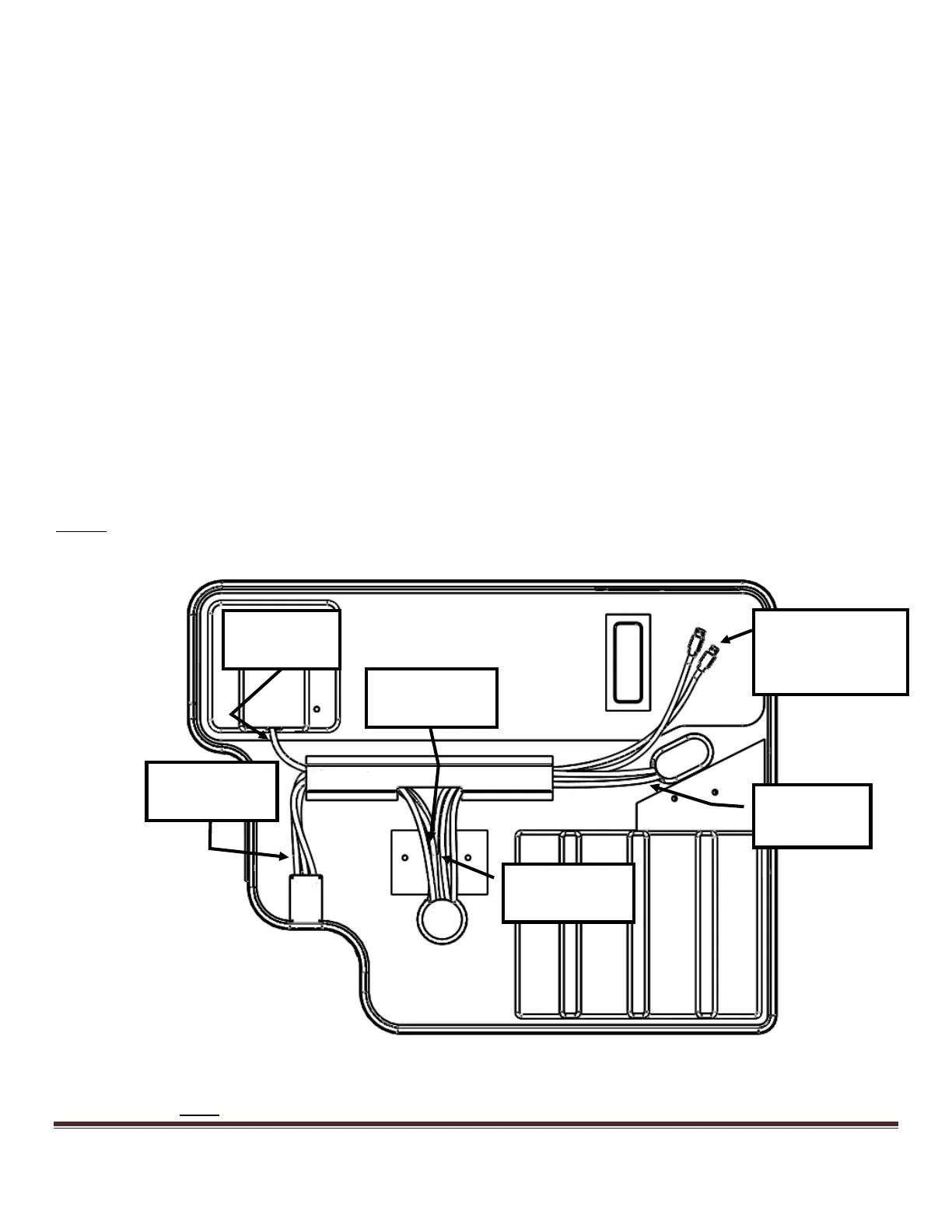
1) Begin with the base upside down on a flat surface (Figure 4). Take note of the various wiring harnesses.
Figure 4: Underside of TouchTrainer® base as packed
Note: The cables pictured may look slightly different than those attached to your base.
(B)Single/Twin
Throttle and Yoke
USB Jack



 To Next Page