Page 34 Copyright FlyThisSim LLC 2013
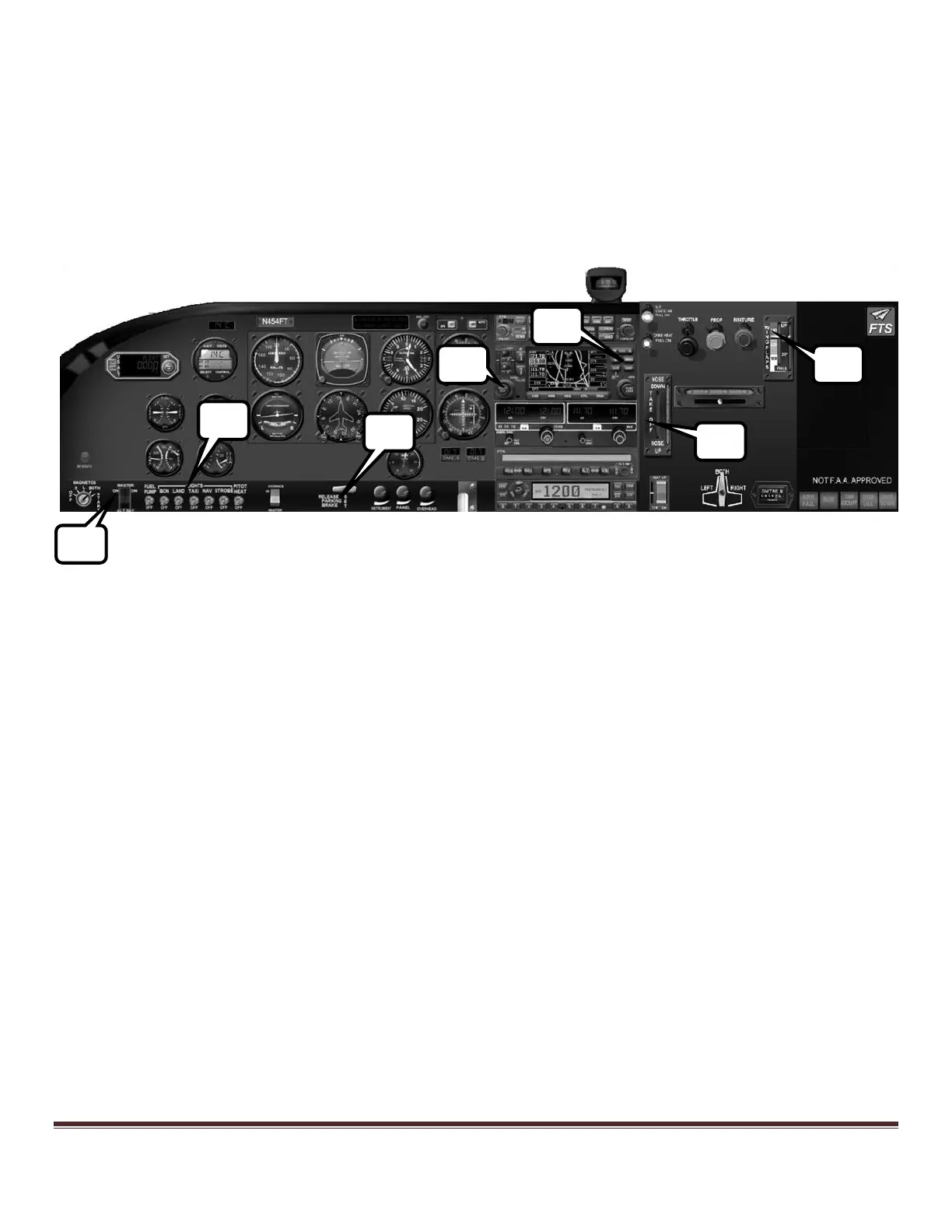
6) Tap ALT1, and Avionics switches.
7) Turn on lights as needed.
8) Confirm the Garmin GNS430 splash screens
9) Set flaps to 10 degrees. (you can use the touchscreen or the yoke (right side switch))
10) Set the elevator trim to the Take Off position
11) Set radio frequencies and audio panel.
12) Release the parking brake. Open throttle to full forward and rotate at 70 kts.
Figure 48: Cessna Analog after engine start



 To Next Page