Page 40 Copyright FlyThisSim LLC 2013
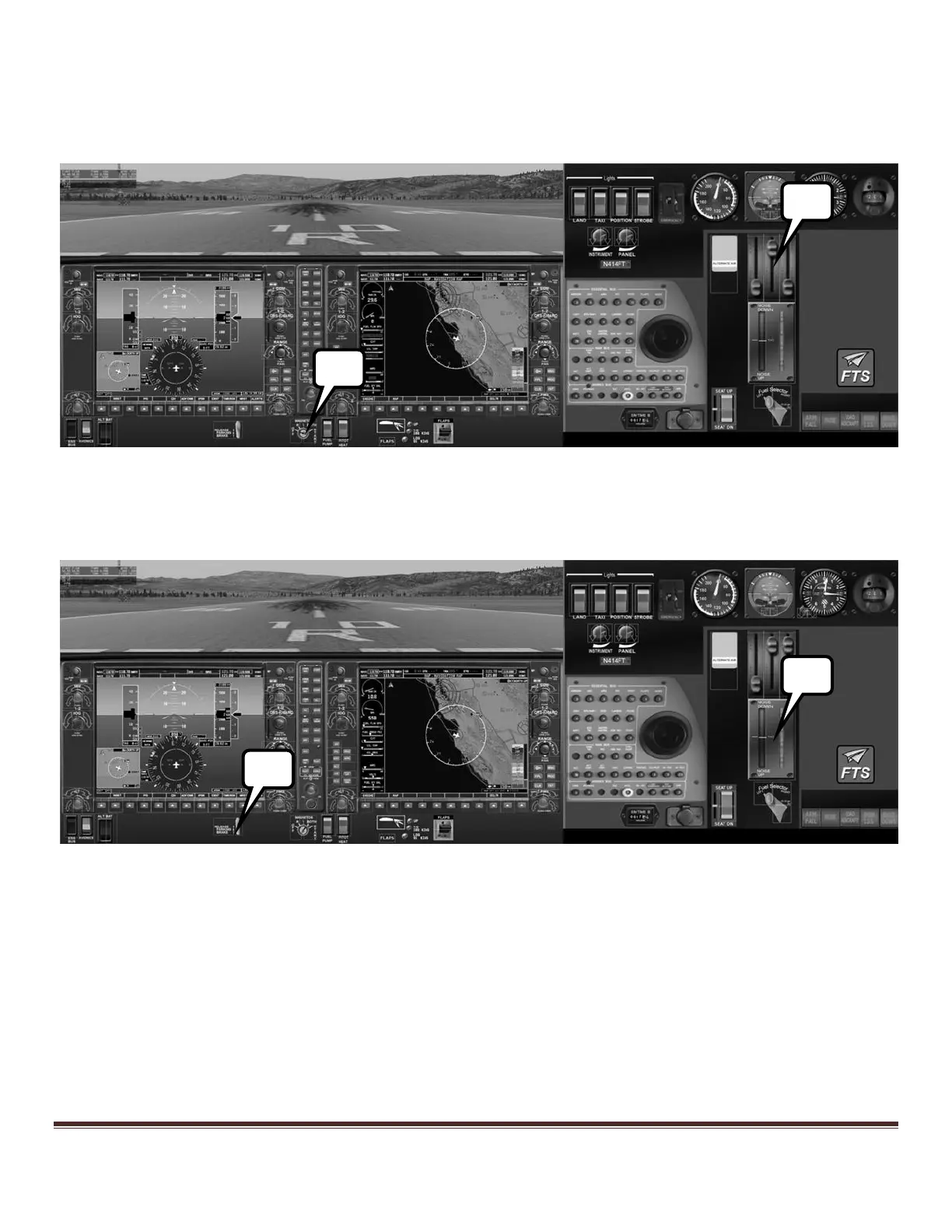
4) Move the mixture to full rich and the prop control full forward on the throttle quadrant, and open the throttle
slightly.
5) Turn the magneto key to the start position. Note: After the engine starts, the magneto key will snap to the
“BOTH” setting automatically.
Figure 58: Diamond G1000 Panel after engine start
6) Use the hat switch on the joystick to move the trim to the takeoff position
7) Release the parking brake and apply full throttle
Figure 59: Diamond G1000 Panel ready for takeoff



 To Next Page