Page 30 Copyright FlyThisSim LLC 2013
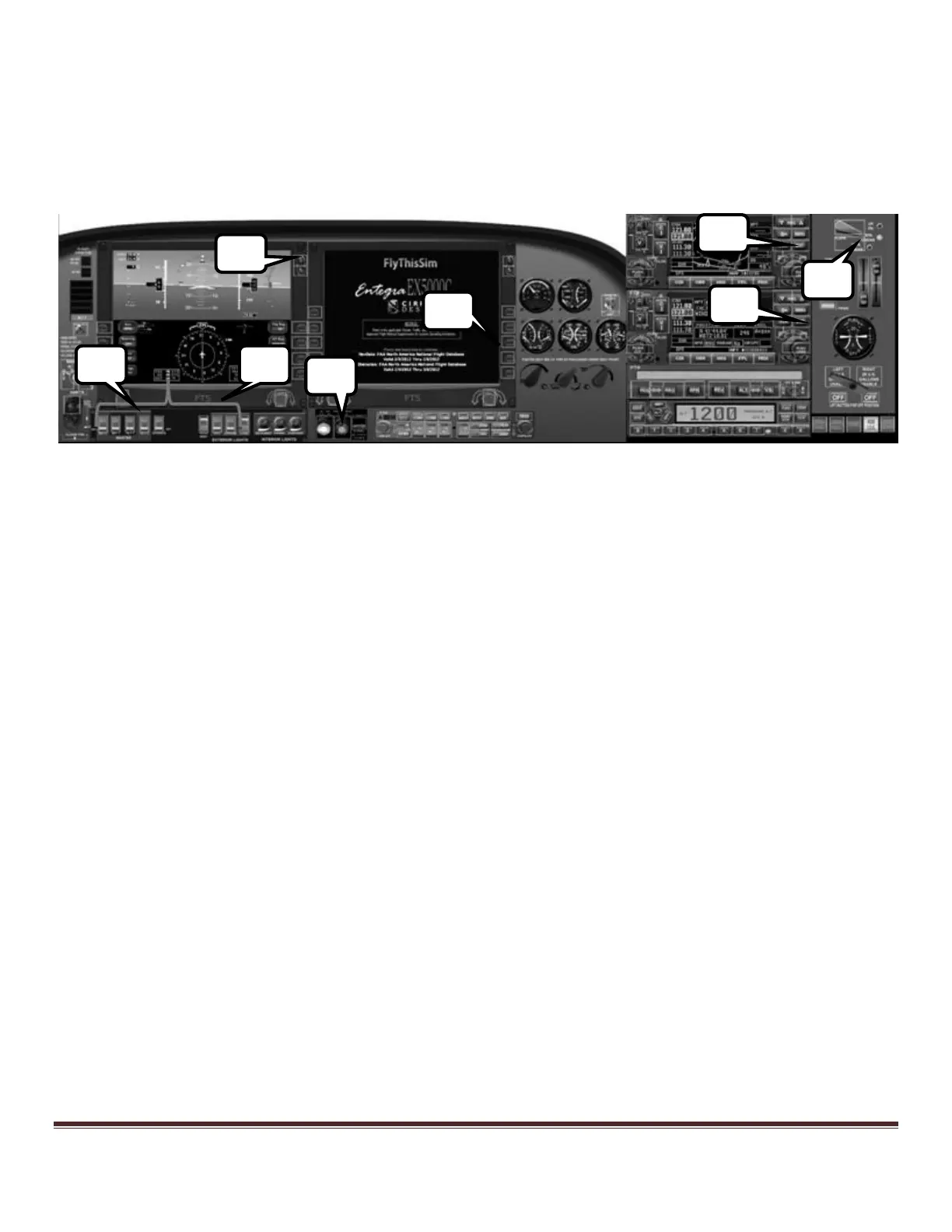
7) Tap either of the two PFD brightness buttons to “Fast Erect” the ARHS alignment (not available in the actual
aircraft, Avidyne only).
8) Confirm the start-up and Fuel Totalizer on the MFD (Avidyne only).
9) Confirm the start-up on GPS #1. Enter a flight plan if needed (See the Garmin manual for more information).
10) Confirm the start-up on GPS #2.
11) Set flaps to 50%.
12) Release the parking brake. Open throttle to full forward and rotate at 80 kts.
Figure 41: Cirrus Avidyne Panel ready for takeoff



 To Next Page