Page 20 Copyright FlyThisSim LLC 2013
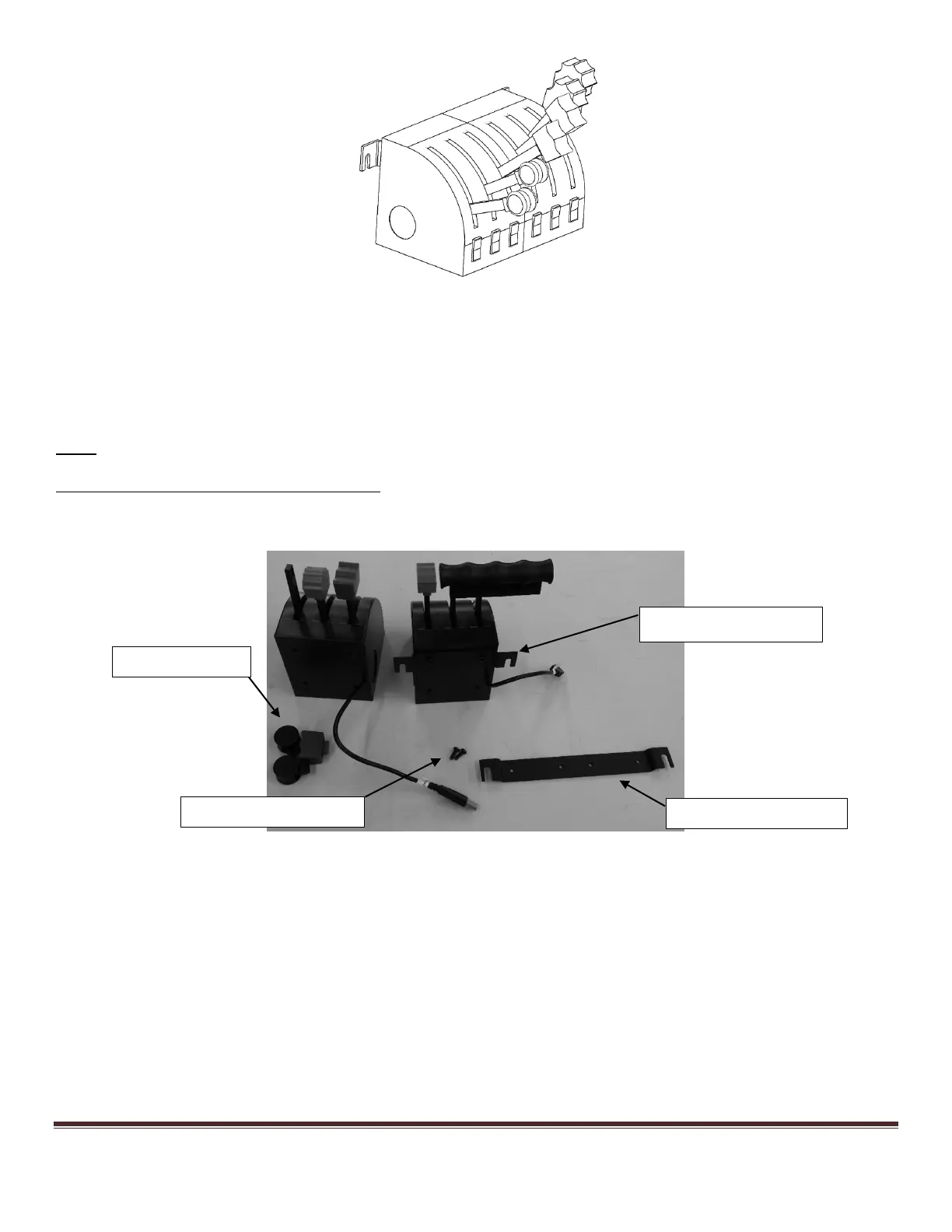
Figure 20: Twin Throttle Lever
4) Take your single or twin throttle lever and place it on the M6 screws you attached to the base, then screw those in
tightly using the included Allen wrench.
5) The final step in the setup of your throttle lever is to connect the USB cables appropriately under the table,
directly behind the throttle lever you have just installed.
Note: You must connect the cables to the appropriate matching cables labeled under the table.
Changing Between a Single and Twin Throttle:
1) Remove the throttle from the TouchTrainer®, and unscrew the bracket from the back of the throttle.
Figure 21: Hardware Required for Changing From Single to Twin Throttle Lever
2) Bring together the two throttles, with the throttle including the wire labeled “Single B” on the right side of the
two (when looking at them from the back, where you mount the bracket, see Figure 21).
3) Next, attach the twin throttle bracket to the back of the throttles using the same Vesa Pan Head screws used
for the single. Please note that the twin throttle bracket requires 4 of the Vesa screws while the single only
requires 2.



 To Next Page