Page 16 Copyright FlyThisSim LLC 2013
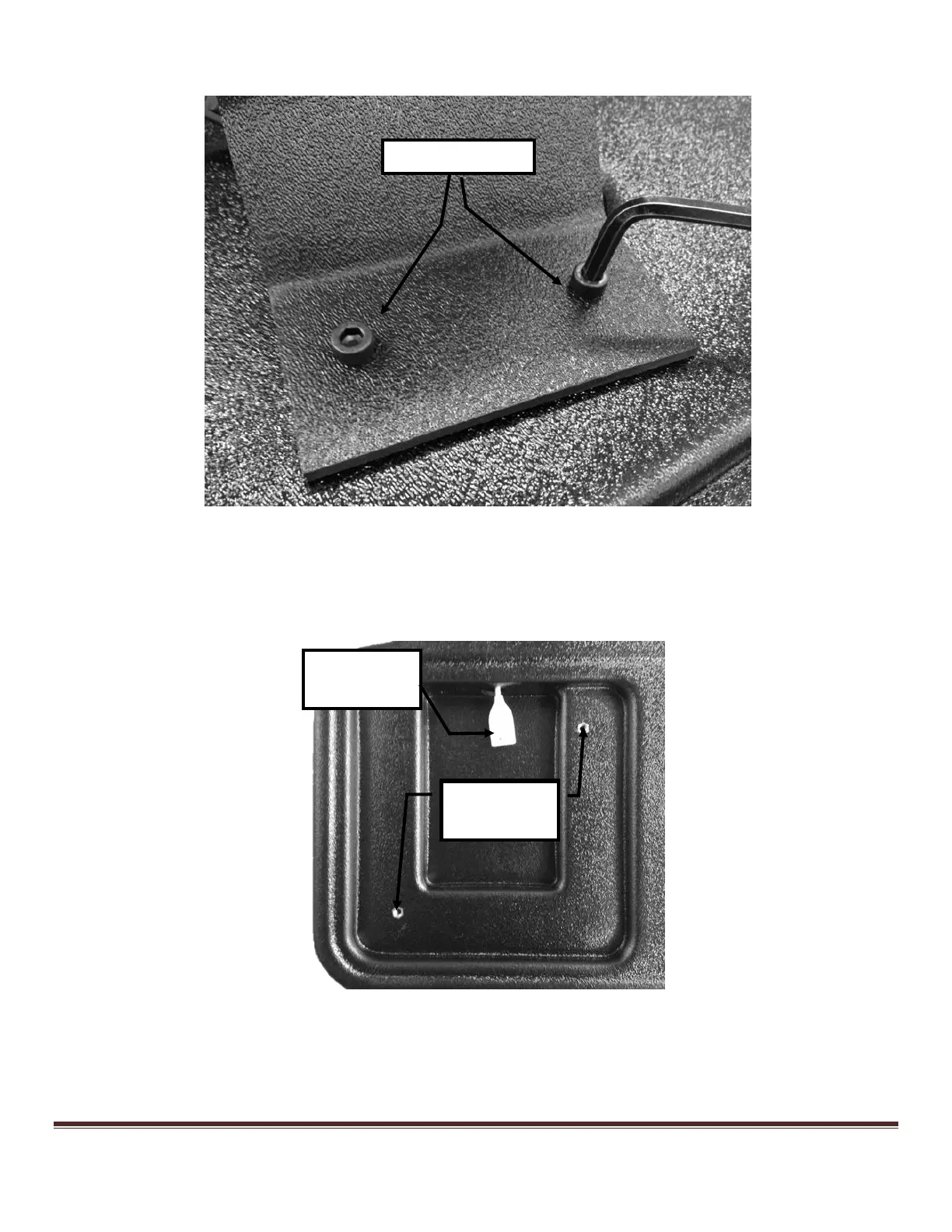
2) Use the supplied Allen wrench to attach the AUX monitor to the base using M6x15 bolts (Figure 13).
Figure 13: Affixing the AUX monitor to the base
TouchTrainer® Joystick
If your TouchTrainer® comes with a yoke and not a joystick, skip ahead to the yoke section.
1) The hole for the joystick is pre-cut and pre-drilled (Figure 14).
Figure 14: Joystick location overview
2) Attach the joystick USB cable to the joystick harness, feed the remaining cable through the hole, and place the
joystick into the slot (Figure 15).



 To Next Page