Page 48 Copyright FlyThisSim LLC 2013
Setting Time and Weather
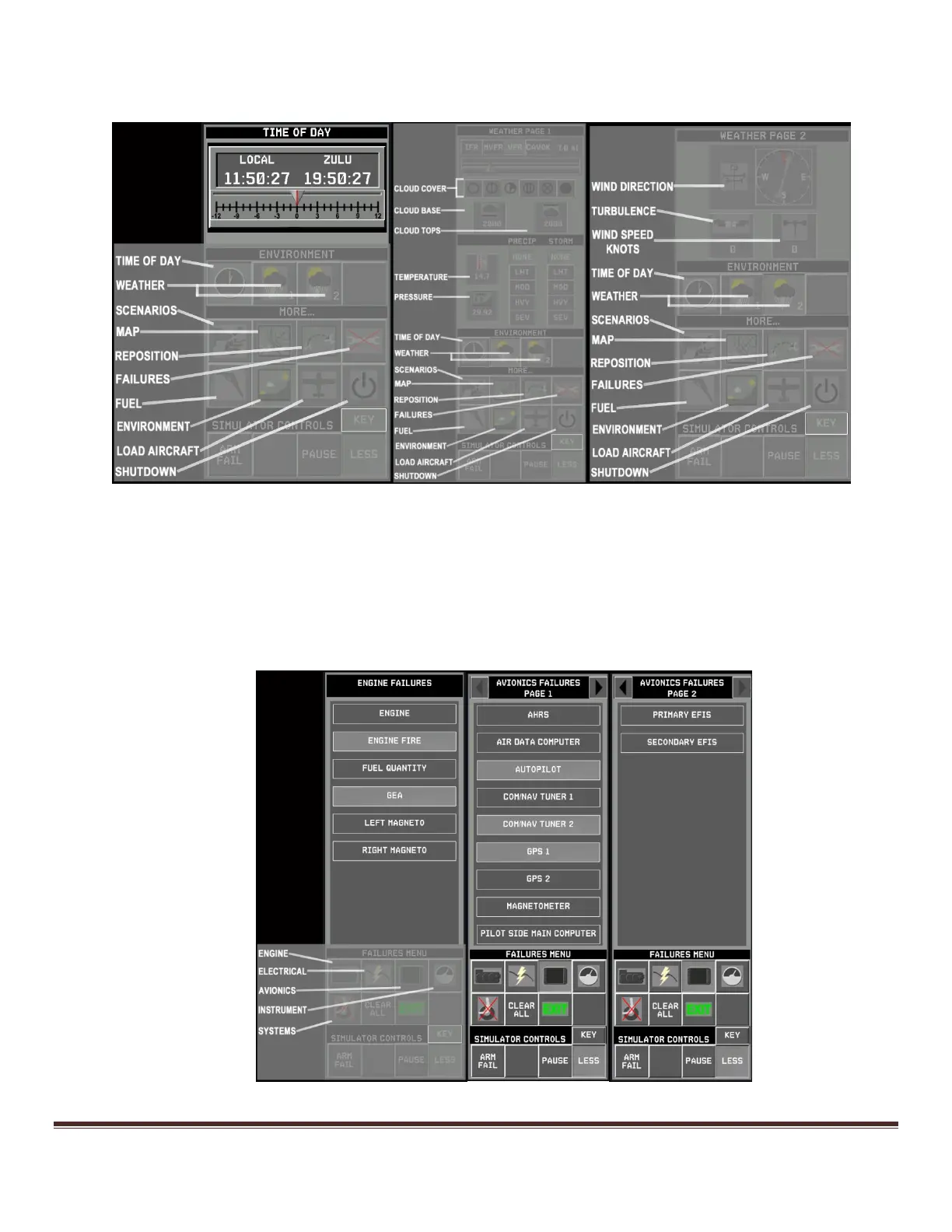
Figure 68: Weather and Time
Set the simulated time and weather using the CLOCK and ENVIRONMENT buttons
Aircraft Failures
A variety of failure options are available in the failures menu; to access this menu select the FAILURES button on
the main IOS Menu
There are five sections of Failures: ENGINE, ELECTRICAL, AVIONICS, INSTRUMENT, and SYSTEM
Figure 69: Aircraft Failures



 To Next Page