FlyThisSim TouchTrainer® Set-up Guide
Copyright FlyThisSim LLC 2013 Page 63
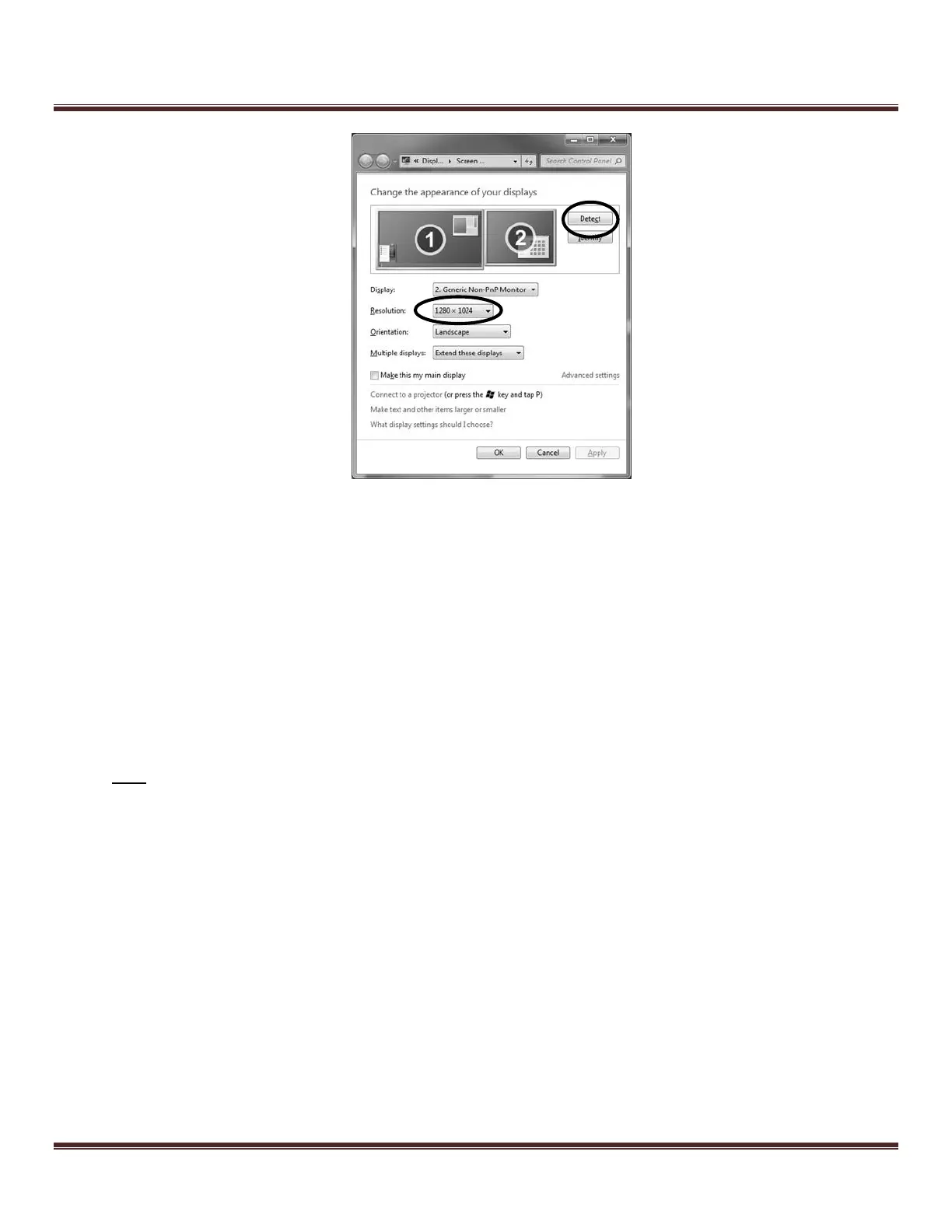
Figure 87: Screen Resolution window
4. Network indicator is RED during SimAVIO startup
a. If using a wired network, check the connection of the Ethernet cable to the back of the computer. If
connecting to a wireless network, verify that the Wi-Fi Adapter (USB Port #6) is securely plugged in.
b. Check your internet connection by opening Internet Explorer and navigating to any webpage. If the
webpage does not load:
i. Go to your computer’s Control Panel, click on Troubleshooting, then click on Network and
Internet.
ii. Go through the steps to troubleshoot internet connectivity issues
Note: A network connection is required for communication between X-Plane and SimAVIO.



 To Next Page