Page 22 Copyright FlyThisSim LLC 2013
TouchTrainer® Rudder Pedals
Your TouchTrainer® system comes with rudder pedals which will need to be set up.
1) Place the pedals underneath the table or desk you will be using. Depending on your floor surface, you may need
to use the included Velcro strips or place a rubber mat underneath the pedals in order to keep them from slipping
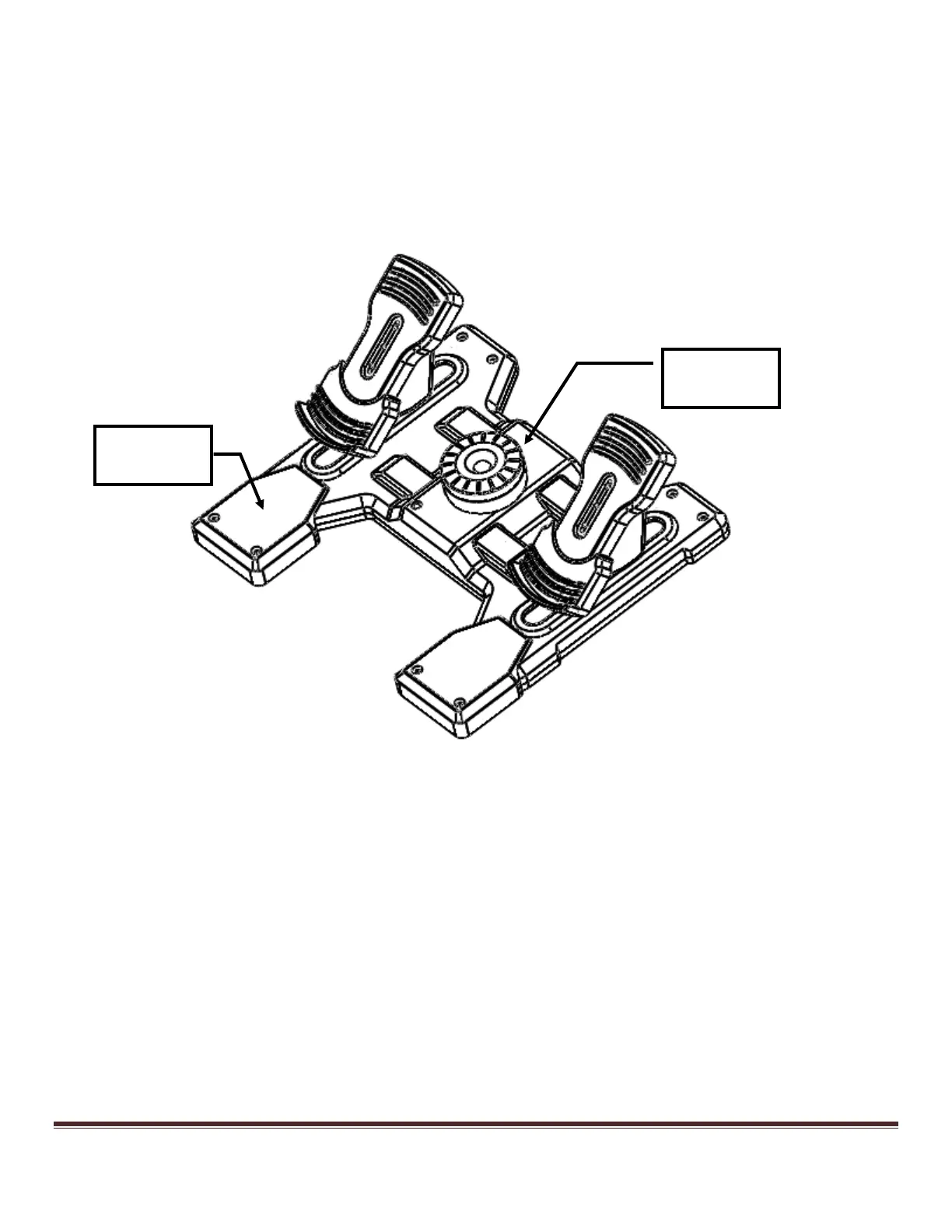
when in use. Attach the Rudder Pedal Extensions to the pedals.
2) Adjust the tension in the pedals to a setting that feels comfortable. A good rule of thumb is to increase the tension
until the pedals feel too heavy; then loosen the tension a quarter turn (Figure 25).
Figure 25: Adjusting the tension on the rudder pedals



 To Next Page