Page 14 Copyright FlyThisSim LLC 2013
TouchTrainer® MAIN Monitor
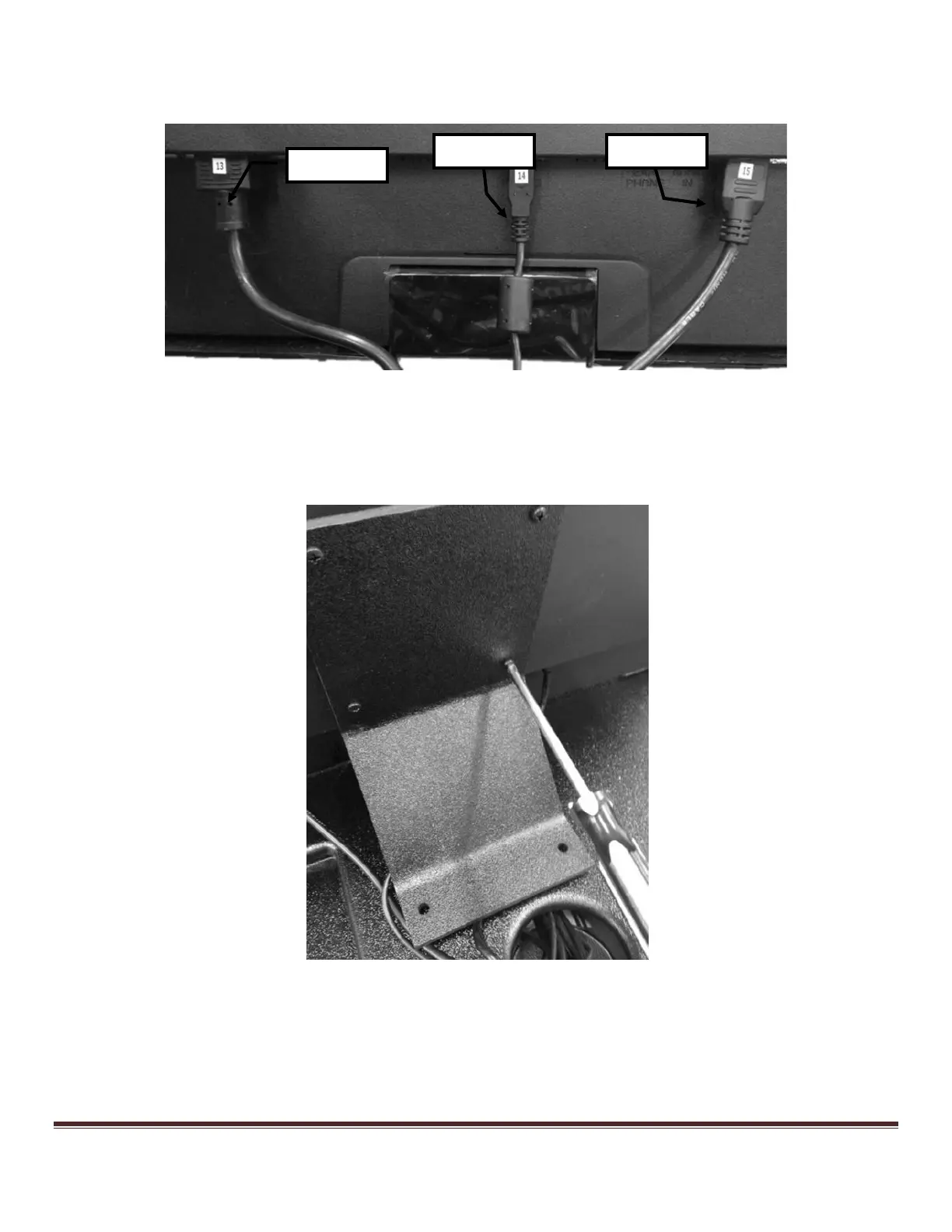
1) Connect the power, USB, and HDMI cables to the MAIN monitor (Figure 9).
Figure 9: Connecting cables to the back of the 23" MAIN display
2) Attach the MAIN monitor bracket using the four Vesa screws in the back of the MAIN monitor with a Phillips-
head screwdriver, (Figure 10).
Figure 10: Affixing the MAIN monitor bracket



 To Next Page