FlyThisSim TouchTrainer® Set-up Guide
Copyright FlyThisSim LLC 2013 Page 17
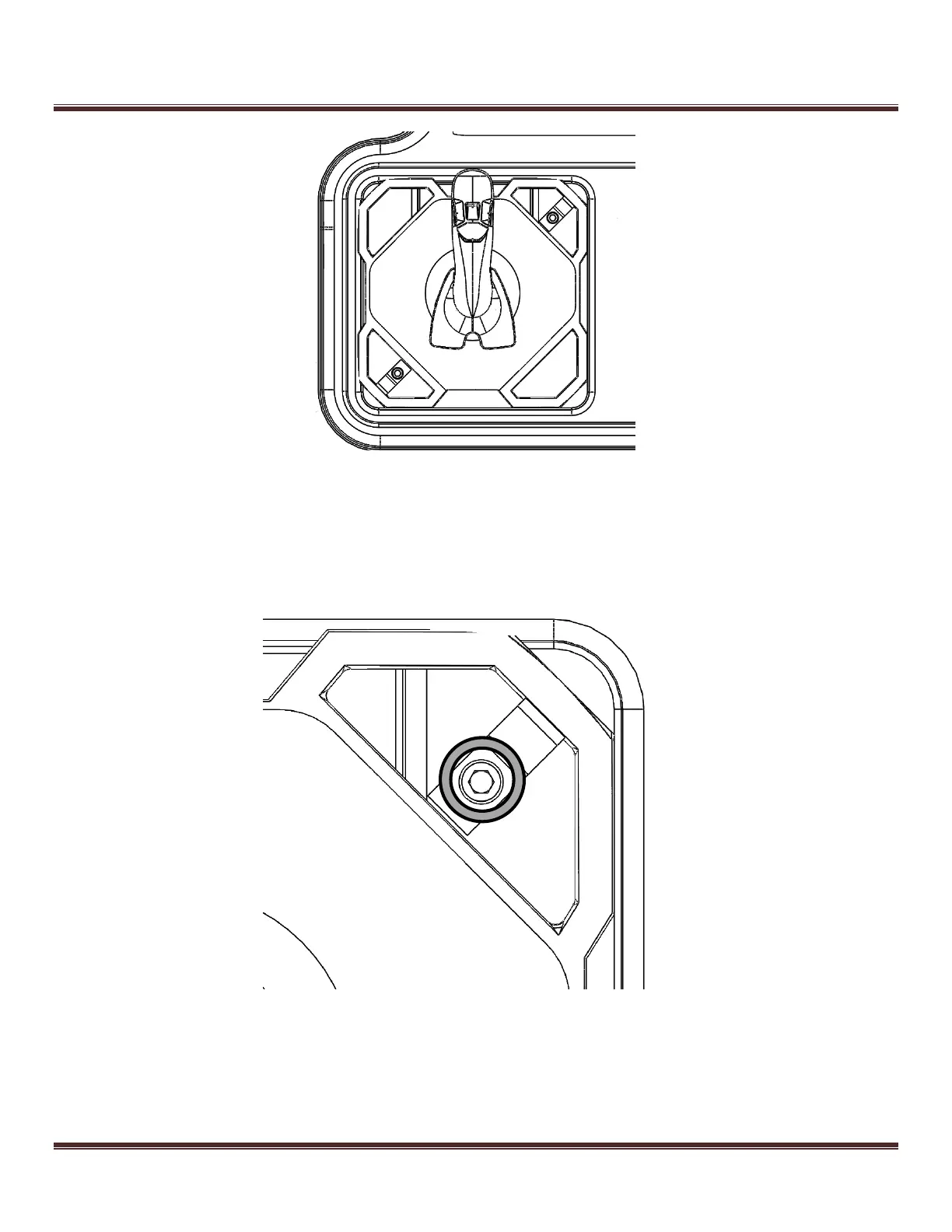
Figure 15: Placing the joystick in the slot
3) Screw the two bracket clamps into the pre-drilled holes in the upper-right and lower-left corners of the slot
(Figure 16). This keeps the joystick in place during operation.
Figure 16: Affixing the joystick in place



 To Next Page