FlyThisSim TouchTrainer® Set-up Guide
Copyright FlyThisSim LLC 2013 Page 57
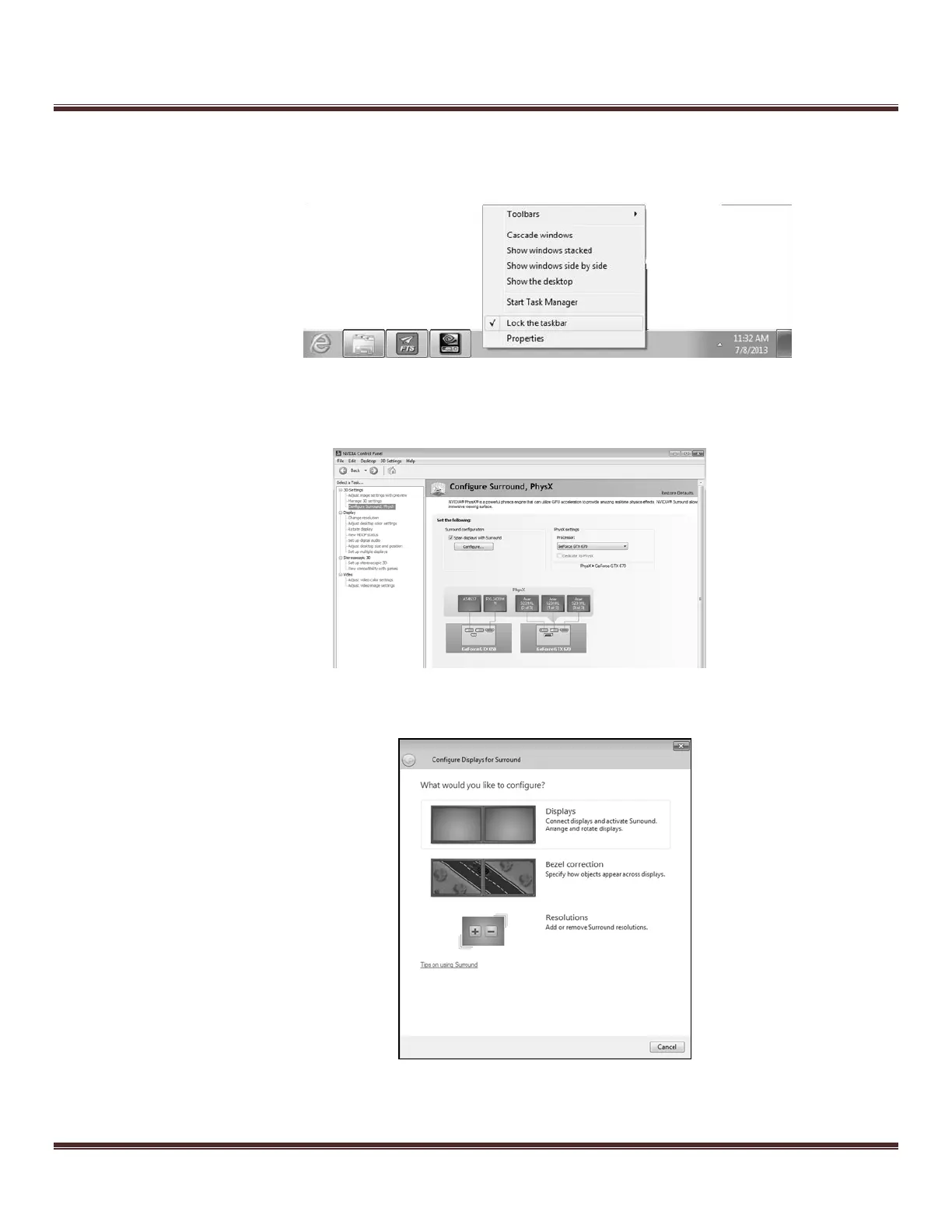
c. If the taskbar is not already locked to the bottom of the main touch monitor, locate the taskbar, right-
click, and deselect the “Lock the Taskbar” option. From there, click and drag the task bar to the
bottom of the main monitor, right click, and reselect the “Lock the Taskbar” option.
Figure 77: Locking the Taskbar
d. From the NVIDIA control panel, select “Configure Surround” and click “Configure.”
Figure 78: Configure Surround Menu
e. From the “What would you like to configure” menu, select the first option, “Displays.”
.
Figure 79: Configure Display for Surround Menu



 To Next Page