Page 60 Copyright FlyThisSim LLC 2013
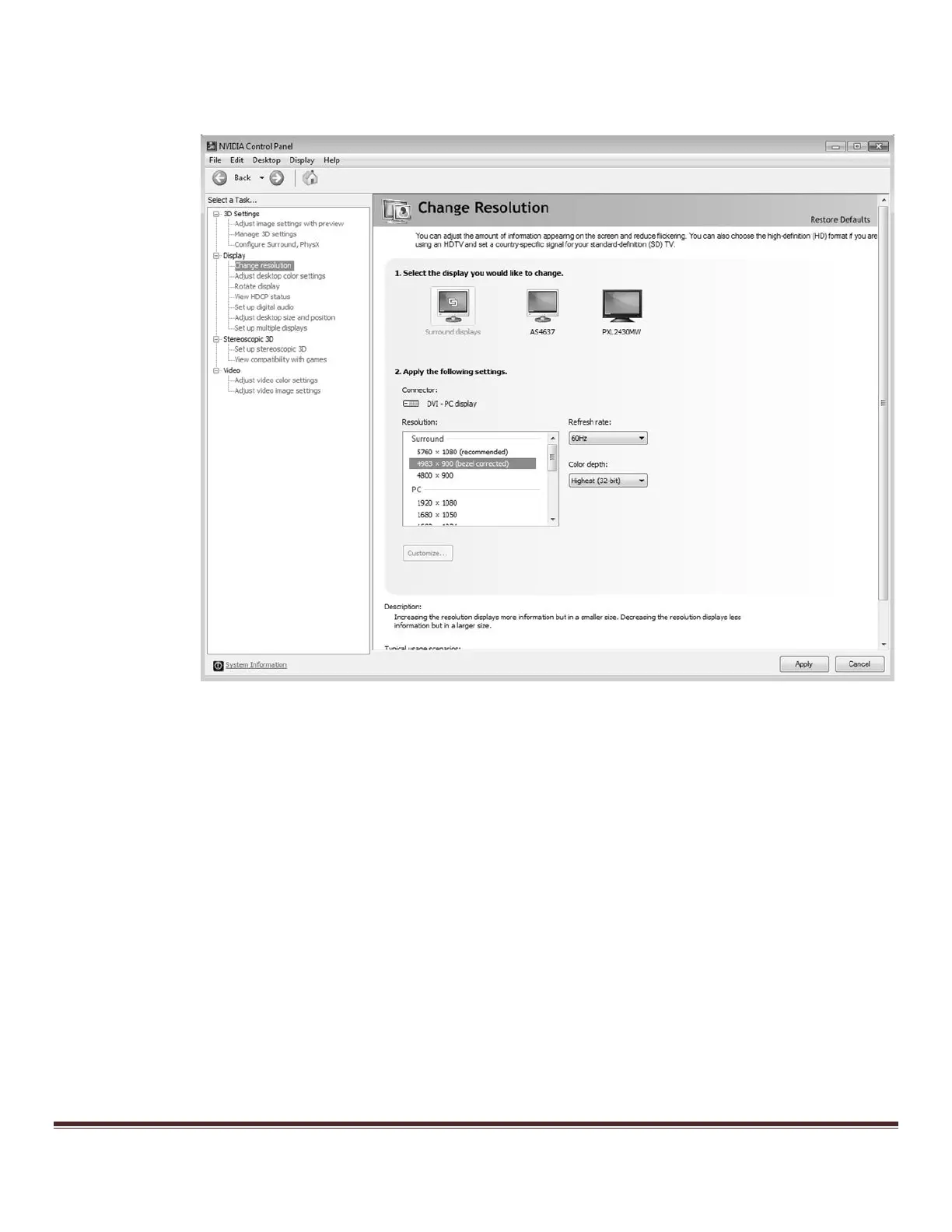
j. Now, return to the NVIDIA control panel as before, and go to “Change Resolution.” From this menu,
select “4983x900 (bezel corrected),” and click Apply. The screen will again flash dark for a moment.
Figure 84: Change Resolution Menu



 To Next Page