FlyThisSim TouchTrainer® Set-up Guide
Copyright FlyThisSim LLC 2013 Page 47
Instructors Operation Station (I.O.S.): Setting location, fuel, and weather
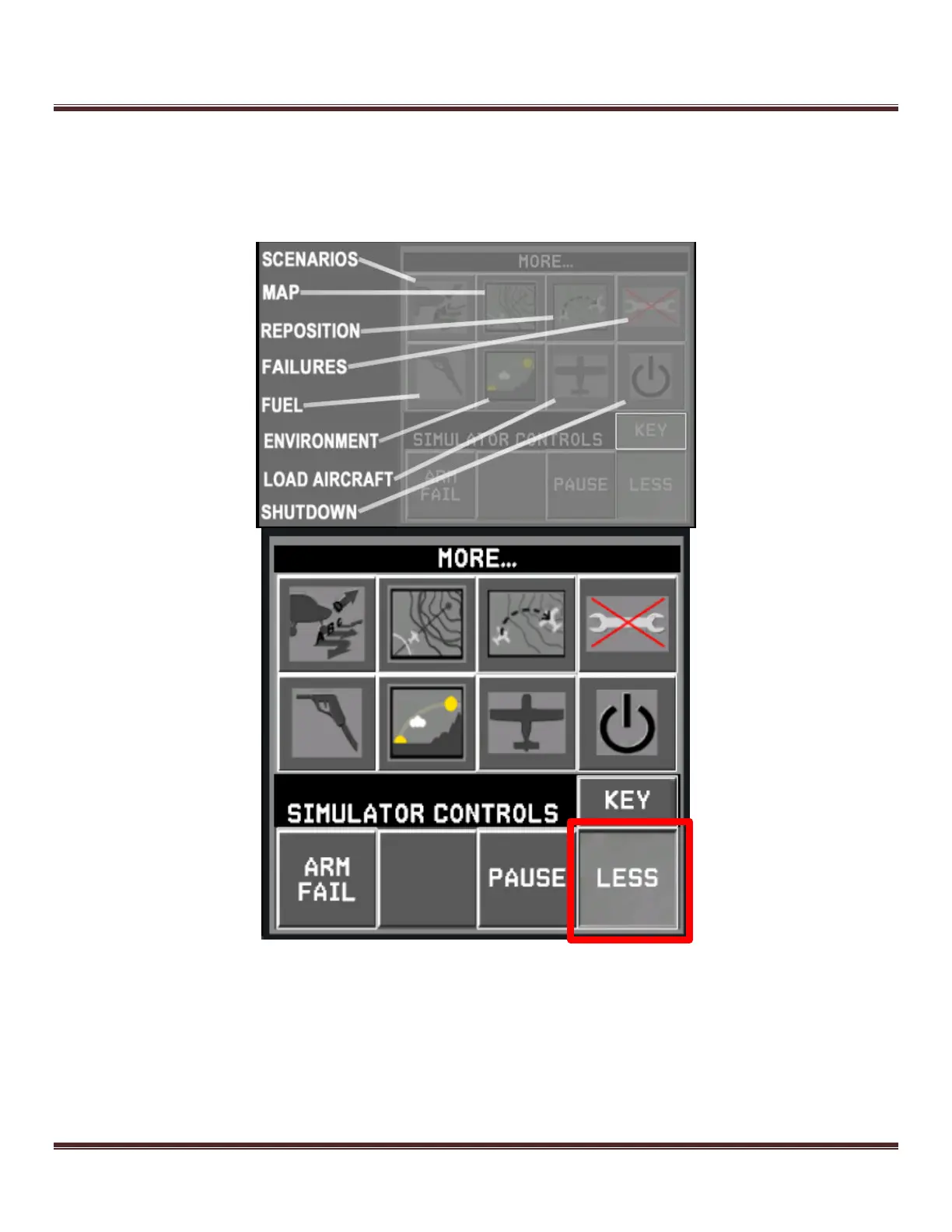
To set the location, fuel, or weather, select the MORE button from the AUX monitor display (Figure 65). This will open
the expand the Instructors Operating Station (I.O.S.) controls. You then can use the buttons in the I.O.S. Pressing the
KEY button will display an overlay of each button as shown below.
Figure 67: IOS screen



 To Next Page