FlyThisSim TouchTrainer® Set-up Guide
Copyright FlyThisSim LLC 2013 Page 37
Diamond Analog Startup Procedure
Follow the guide step-by-step, pressing the button that matches the corresponding step in the procedure (i.e. press the
button labeled “1” in the picture below when working on step 1).
Note: Because the button layouts are not exactly the same across all systems, the following pictures may not match your
layout. The correct buttons will still be available, just not necessarily as shown in the pictures.
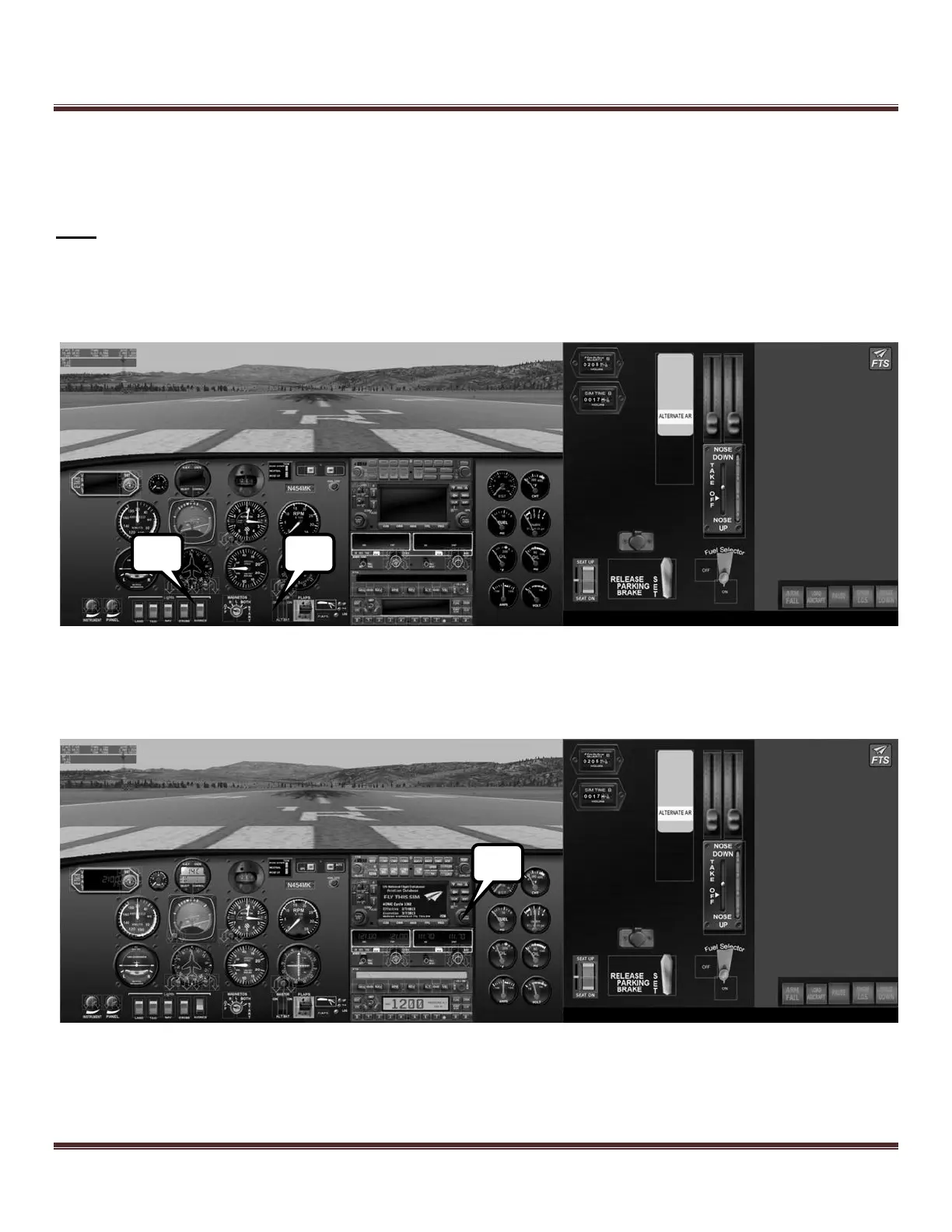
1) Turn on the master and alternator switches by touching the upper half of each switch.
2) Turn on the avionics bus by touching the upper half of the avionics switch.
Figure 53: Diamond Analog Panel with no power
3) Complete the GNS-430 startup by pressing the ENT key once, verifying the CDI indications, then pressing the
ENT key once more.
Figure 54: Diamond Analog Panel afteGNS-430 start



 To Next Page