Page 6 Copyright FlyThisSim LLC 2013
Chapter 1: Assembling Hardware
This chapter will guide you through the process of assembling your new TouchTrainer® so that it is ready to power up.
Following these directions exactly will guarantee that you have your TouchTrainer® assembled quickly and easily.
Hardware assembly should take between 15 and 30 minutes.
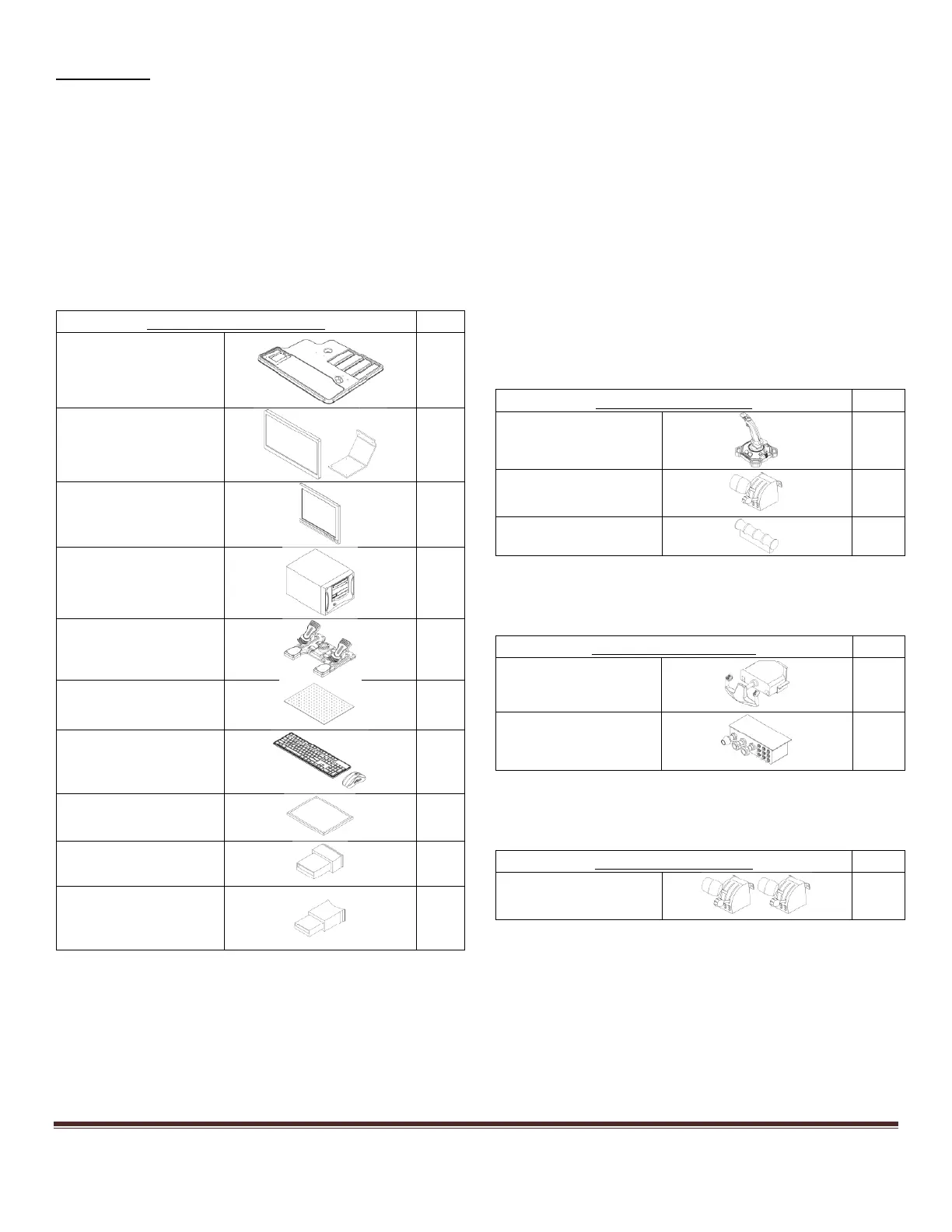
Section 1: Unpacking
First, carefully unpack and inspect the items delivered for transit damage. The contents delivered should match the
packing list found below. It is recommended that you save all packaging materials until the manufacturer’s warranty
period expires. See Chapter 4 for warranty information.
Table 1: Packing List
Basic Touch Trainer Items
Rudder Pedals/
Extensions
X-Plane USB
(COMMERCIAL USE
ONLY)



 To Next Page