FlyThisSim TouchTrainer® Set-up Guide
Copyright FlyThisSim LLC 2013 Page 13
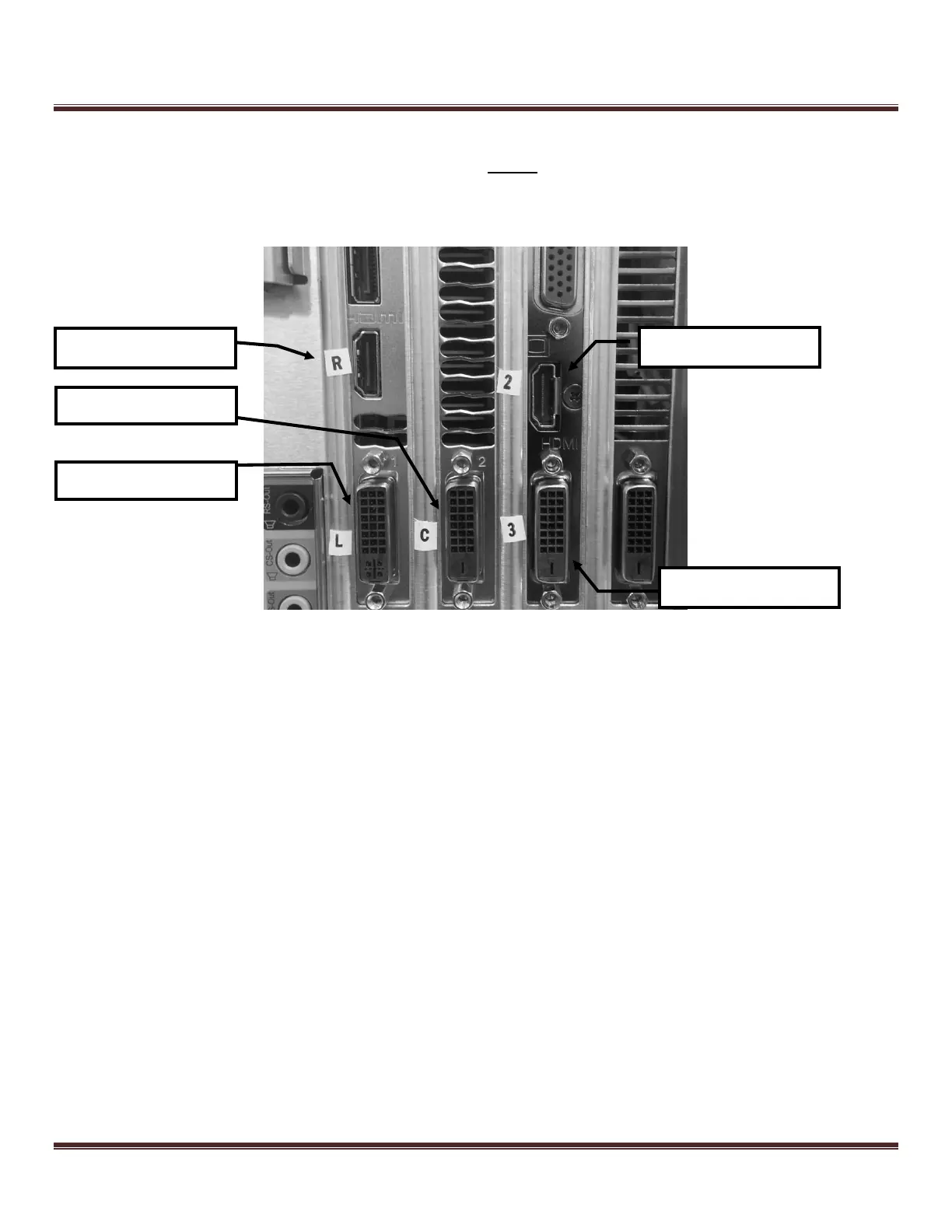
4) Each cable should be labeled for the appropriate slots. Failure to plug devices into their correct slot could result in
connectivity issues. If you have the VISX system, you MUST wait until you have installed the external visual
before setting up the computer.
Figure 8: Connecting visual cables to the back of the VISX computer



 To Next Page