PostBase Vision
124
On the feeder
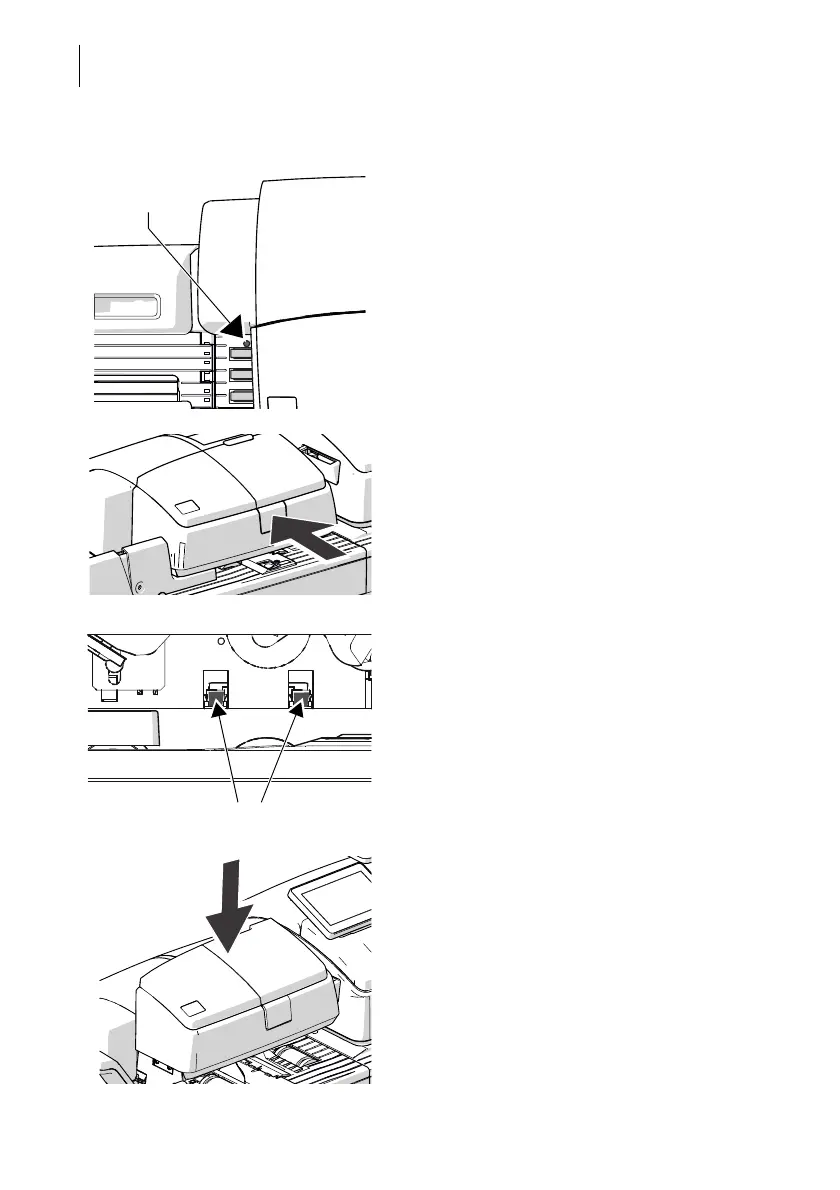
The sensor for the letter detection is freely
accessible.
• Remove the dust from the sensor with a
few puffs of the compressed air spray.
• Press the release key.
The roller transport moves upwards.
The sensors in the letter receiving wall are
now accessible from the front (operator side).
• Remove the dust from the sensors with a
few puffs of the compressed air spray.
• Press down firmly on the roller transport
until it clicks into place.
Sensor for
letter detection



 To Next Page