PostBase Vision
98
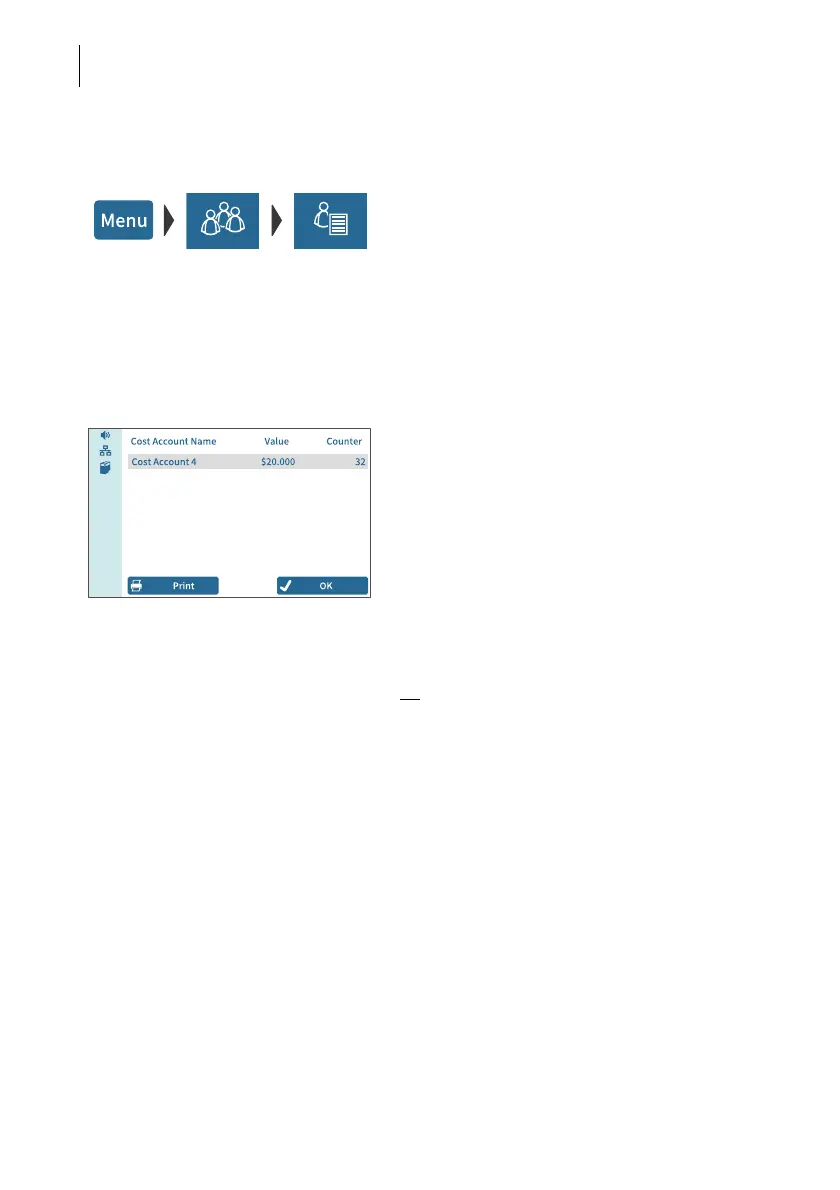
12.2 Display / print usage data for a defined cost account
• Open the MENU.
• Choose L
OCAL ACCOUNTS.
• Choose R
EPORT ONE ACCOUNT.
PostBase Vision opens the selection list with
all cost accounts. The current cost account is
highlighted in color.
• Tap on the cost account that you want to
see usage data for.
PostBase Vision displays the usage data
(value and number of mailings) for this cost
account.
Print report
• Tap the P
RINT button.
The pop-up for label printing appears.
• Tap the START button to print the cost
account report on a label.
Or
:
• Insert an empty envelope / postcard onto
the hand feed tray or the feeder.
PostBase Vision prints the report for this cost
account.



 To Next Page