PostBase Vision
152
17 Tips for troubleshooting
17.1 Error messages
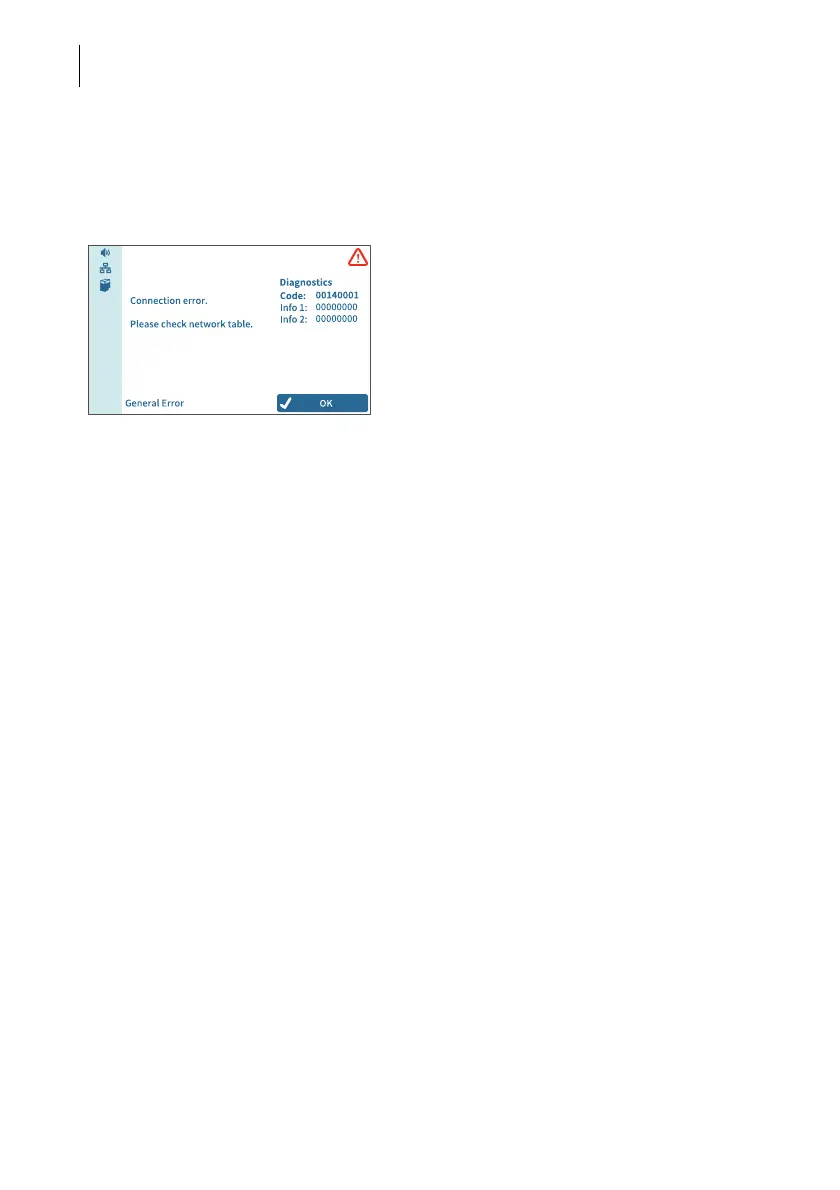
An error message appears on the display in
case of an error or handling error. An addi-
tional sound signal may also indicate an
error.
Make sure to carefully read the error message.
You will be given hints on the error cause and
what you can do to remedy it. An icon indicates
the error group (e.g. “General error“).
You can correct many minor errors and
issues occurring during PostBase Vision
operation yourself.
Please contact the Customer Service if you
cannot remedy an error by means of the
display information and the hints given in
this Reference Guide.
17.2 Possible causes and remedy
This chapter offers tips for troubleshooting, grouped by the types of problems
… when metering (page 153)
… when weighing (page 154)
… when downloading postage and synchronizing (page 155)
… during maintenance and care (page 156)
… with automatic feeding / sealing (page 157)
… with using the sealer (page 159)
… during installation / commissioning (page 160)
… general errors (page 161).



 To Next Page