PostBase Vision
128
16.4 Test Imprint – Check print quality
Using the menu function “Test Imprint”, you can test the functioning of the print sys-
tem and check the print quality. The generated test print consists of a series of differ-
ent patterns.
• Open the M
ENU.
• Choose I
NK CARTRIDGE.
• Choose T
EST IMPRINT.
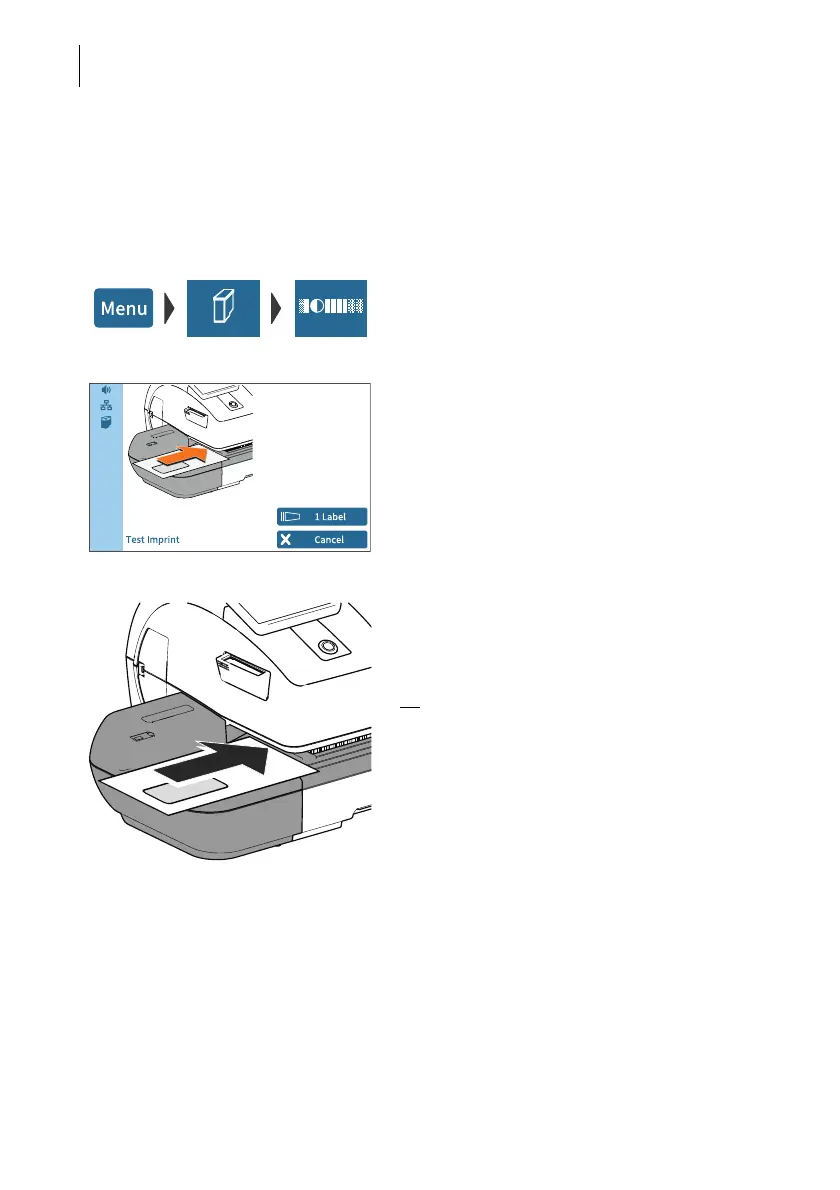
PostBase Vision prompts you to position a
letter.
Print Test Imprint on an empty envelope
• Place an empty envelope (or a postcard)
on the hand feed tray.
Or
• Place an empty envelope (or a postcard)
on the feeder (optional).
PostBase Vision feeds the envelope and
prints the Test Imprint consisting of a series
of different plane and line patterns.
Print Test Imprint on a label
• Tap the L
ABEL button.
PostBase Vision prints the Test Imprint on a
label.



 To Next Page