Metering
63
6 Metering
In this chapter, you will learn how to log on to PostBase Vision as a user, set up a
cost account to record postage, place letters on the hand feed tray, work with the
feeder and the sealer and meter labels to be attached to mail pieces. Also, the
counter functions available for metering are described. For extensive information
on how to set the meter imprint, see chapter 5.
6.1 Logging on / switching users
A user-specific access control can be set up for PostBase Vision. In this case, select
the user during system startup and enter the appropriate PIN. This loads the corre-
sponding user profile. Among other things, the following settings are defined in the
user profile: Name, PIN, budgets, allocated cost account(s), default cost account and
the approval to load postage.
Switching user
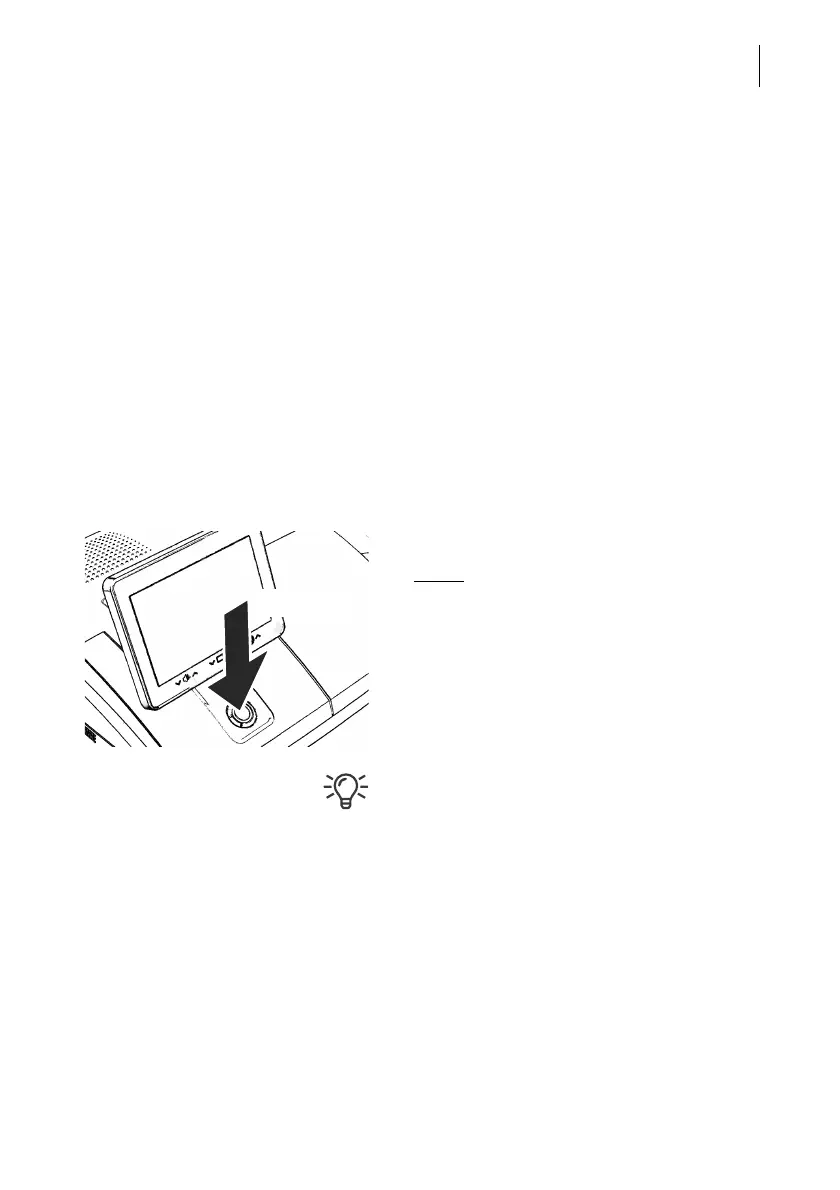
•Briefly
press the ON/OFF button.
PostBase Vision displays the list of users.
• Select the desired user.
• Enter the PIN and confirm.
PostBase Vision loads the user profile and
then displays the Home screen.
The mailing system’s administrator can set
up and manage users in the discoverFP
customer portal.



 To Next Page