PostBase Vision
62
Print test on an empty envelope
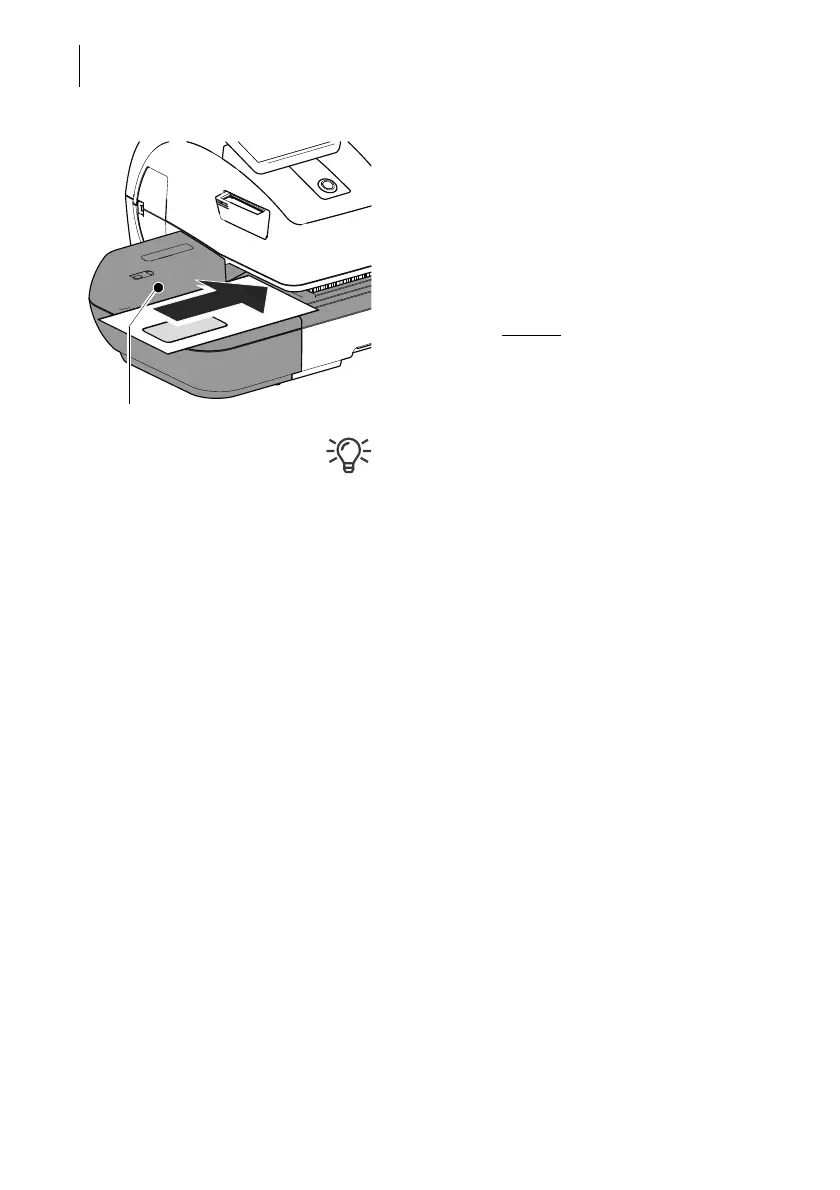
• Position an empty envelope (or a postcard)
for the test print:
– Side to be printed face up.
– The top edge is flush with the contact
area.
• Push the envelope in the direction of the
arrow and release
.
PostBase Vision generates the test print and
then draws in the envelope and prints.
You can read more about the topic “Feeding
letters” in chapter 6.3.



 To Next Page